
A preview has one job: to be cheap enough to look at before anyone pays for the final. This post is about what that costs. We drew one wordless film, SALT TIDE (no dialogue and no words on screen, with the model’s own soundscape and score), four scenes of 15 seconds and two versions of a fifth, at ten preview settings, and we put the clips, the times and one frame of each side by side. Then we took the previews up to 1344 by 768 with an upscaler, and counted what that costs against drawing the final.
The headline numbers, measured on one RTX 5090 and computed here from the log. At full quality the four scenes of the film took 7,586.0 seconds (126:26). The cheapest of the ten previews, p768-t4, took 291.0 seconds for the same four scenes (4:51), which is 26.1 times faster.
Taking a preview up to 1344 by 768 with an upscaler costs between 178.8 and 204.0 seconds more for a 15-second scene. For scene 1 the best pair is p768-t4, upscaled by the 3B model: 251.7 seconds for the preview and its upscale together, against 1,840.8 seconds for the final, which is 7.3 times less card time. We upscaled scene 1 of each preview below 1344 wide, with the 7B and the 3B model; the three previews at 1344 by 768 are already the final’s size.
What we compared
Every clip is the same scene from the same script, drawn with the same seed (4242) and the same words, and only the settings change: the size (768 by 448, 960 by 544 or 1344 by 768) and the number of steps (four, six, eight or twenty). The final is 1344 by 768 at twenty steps with no LoRA, the template’s full-quality default. The 4-step versions use a 4-step turbo LoRA, the 6-step and 8-step versions use the 8-step turbo LoRA, and the 20-step versions use none.
The matrix exists because of an earlier choice. On 16 November he said this about the setting then in use for previews:
4-step with 4-step speed LoRA is what we are using right now. That doesn't give good quality.
the admin, 16 November, before choosing
We asked him what the preview should be and offered three options: “960×544, 20 steps”, “Official 8-step turbo LoRA” and “Keep 4-step for speed”. He picked the second. Then he widened it, in his words:
Test all these versions … Generate every version
the admin, right after
That became the matrix below: every setting, measured.
Our admin asked for six clips a version: the four scenes of the film and the 5a and 5b versions of scene 5 (the scene in which the same person returns in a new place, drawn two ways), and told us not to draw 5c for the previews. He described what the previews are for:
… we also tested the low resolution versions, which is what the customers will see initially, and then they choose HD. The final HD version will be generated.
the admin, about the low-resolution versions
What each setting costs
| Version | Size | Steps | Scene 1 | Scene 2 | Scene 3 | Scene 4 | 5a | 5b | All six | Scenes 1 to 4 | Faster than the final |
|---|---|---|---|---|---|---|---|---|---|---|---|
| p768-t4 | 768×448 | 4 | 1:12 | 1:14 | 1:12 | 1:13 | 1:09 | 1:04 | 7:04 | 4:51 | 26.1 × |
| p768-t8 | 768×448 | 8 | 2:08 | 2:11 | 2:08 | 2:11 | 2:04 | 2:00 | 12:42 | 8:38 | 14.7 × |
| p768-t20 | 768×448 | 20 | 4:55 | 5:08 | 5:00 | 5:06 | 4:52 | 4:47 | 29:48 | 20:09 | 6.3 × |
| p960-t4 | 960×544 | 4 | 2:12 | 2:16 | 2:14 | 2:16 | 2:09 | 2:05 | 13:12 | 8:57 | 14.1 × |
| p960-t6 | 960×544 | 6 | 3:05 | 3:13 | 3:11 | 3:12 | 3:04 | 3:01 | 18:48 | 12:42 | 10.0 × |
| p960-t8 | 960×544 | 8 | 3:59 | 4:11 | 4:08 | 4:10 | 4:00 | 3:58 | 24:26 | 16:28 | 7.7 × |
| p960-t20 | 960×544 | 20 | 9:21 | 9:44 | 9:40 | 9:43 | 9:23 | 9:23 | 57:14 | 38:28 | 3.3 × |
| p1344-t4 | 1344×768 | 4 | 7:05 | 7:20 | 7:14 | 7:16 | 6:58 | 7:01 | 42:53 | 28:54 | 4.4 × |
| p1344-t6 | 1344×768 | 6 | 10:12 | 10:37 | 10:35 | 10:36 | 10:12 | 10:19 | 62:31 | 42:00 | 3.0 × |
| p1344-t8 | 1344×768 | 8 | 13:32 | 14:00 | 13:58 | 14:00 | 13:30 | 13:40 | 82:39 | 55:30 | 2.3 × |
| p1344-t20 (the final) | 1344×768 | 20 | 30:41 | 31:56 | 31:54 | 31:55 | 30:48 | 31:19 | 188:33 | 126:26 | 1.0 × |
Each cell is the generation time of that clip in minutes and seconds, measured on the card. “Faster than the final” is the final’s four scenes (126:26) divided by that version’s four scenes.
What the numbers say
- Steps cost time, but not in proportion. At 768×448 the four scenes took 291.0 seconds at 4 steps, 517.5 at 8 (1.8 times as long) and 1,208.9 at 20 (4.2 times). At 960×544 they took 537.3, 761.9, 987.8 and 2,307.6 seconds at 4, 6, 8 and 20 steps. At 1344×768 they took 1,734.1, 2,520.2, 3,330.0 and 7,586.0 seconds at 4, 6, 8 and 20 steps.
- Size costs more than steps do. At 4 steps the four scenes took 291.0 seconds at 768×448, 537.3 at 960×544 (1.8 times as long) and 1,734.1 at 1344×768 (6.0 times). At 20 steps: 1,208.9, 2,307.6 (1.9 times) and 7,586.0 (6.3 times).
- A small preview at full steps is cheaper than a big one at few. The four scenes at 768×448 and 20 steps took 1,208.9 seconds, less than at 1344×768 and 4 steps (1,734.1 seconds).
- The final costs 26.1 times the cheapest preview for the same four scenes: 7,586.0 seconds against 291.0.
None of this says which looks better. That is a picture question, and the pictures are below.
The same frame at every setting
Each picture below is frame 120 of its clip, which is 5.00 seconds in, cut by frame number so that nothing is chosen by eye. The pictures in a block are the same scene from the same words; the caption gives the setting and how long that clip took to draw. Click a picture for the full size.
Scene 1
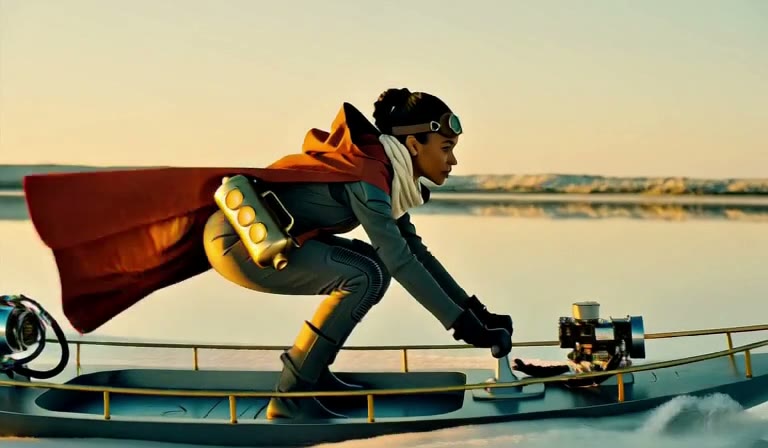
768×448, 1:12

768×448, 2:08
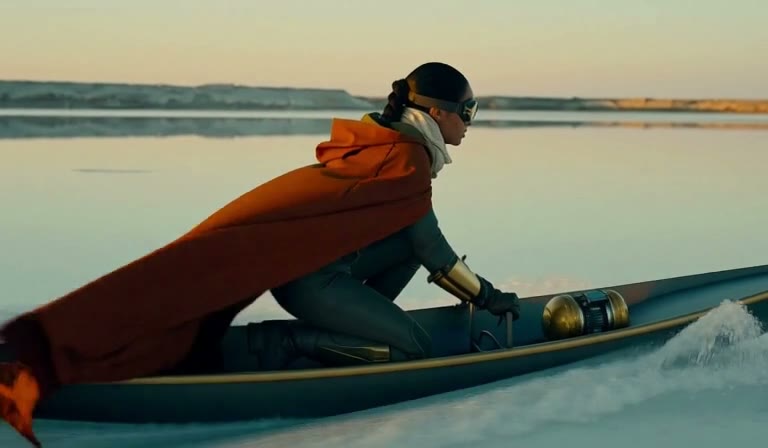
768×448, 4:55
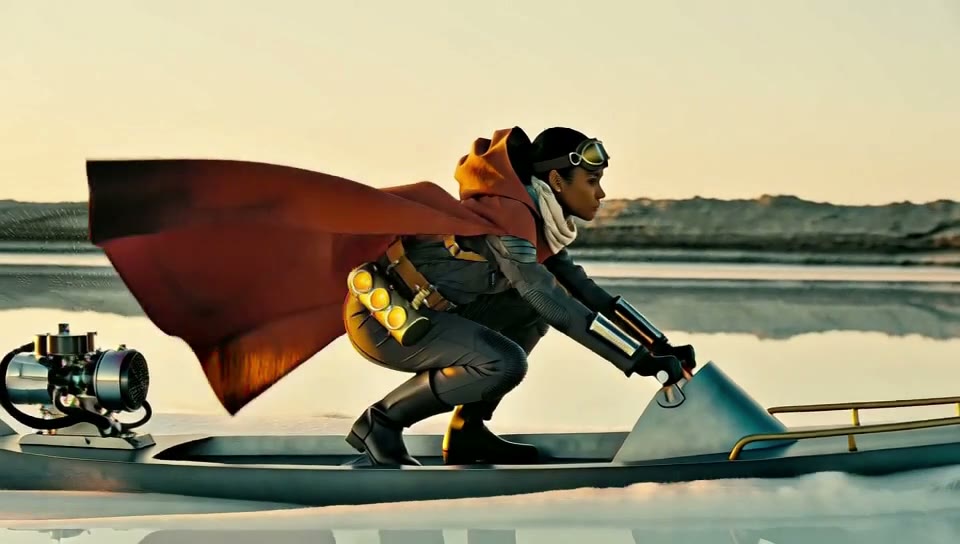
960×544, 2:12
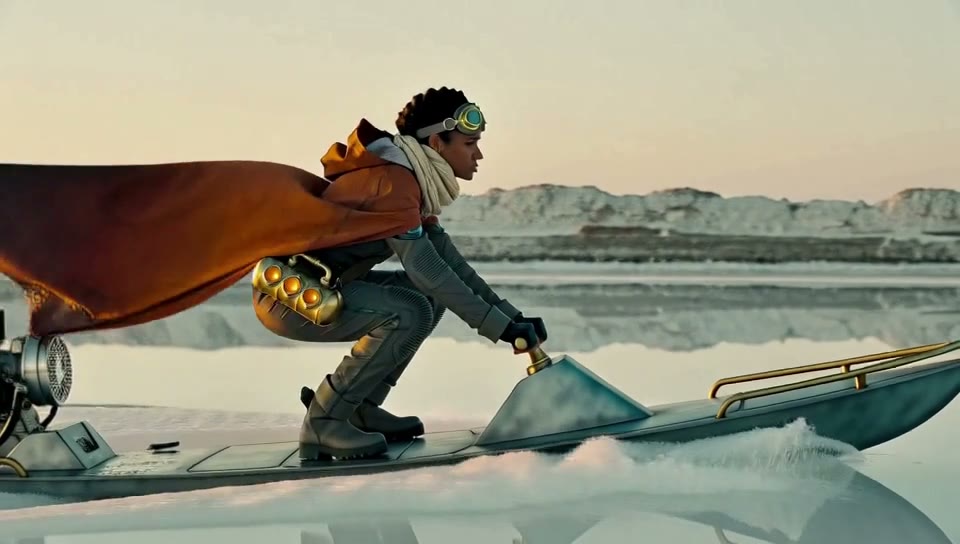
960×544, 3:05
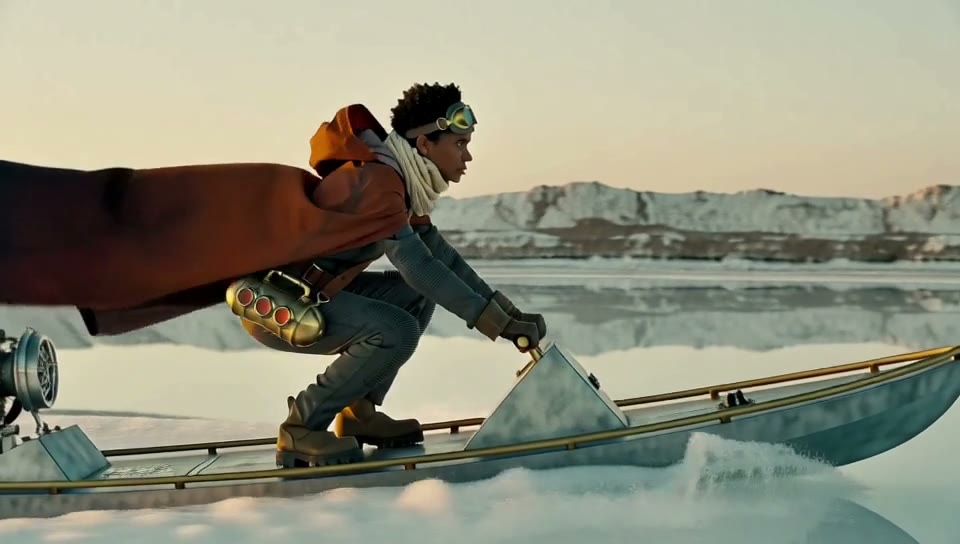
960×544, 3:59
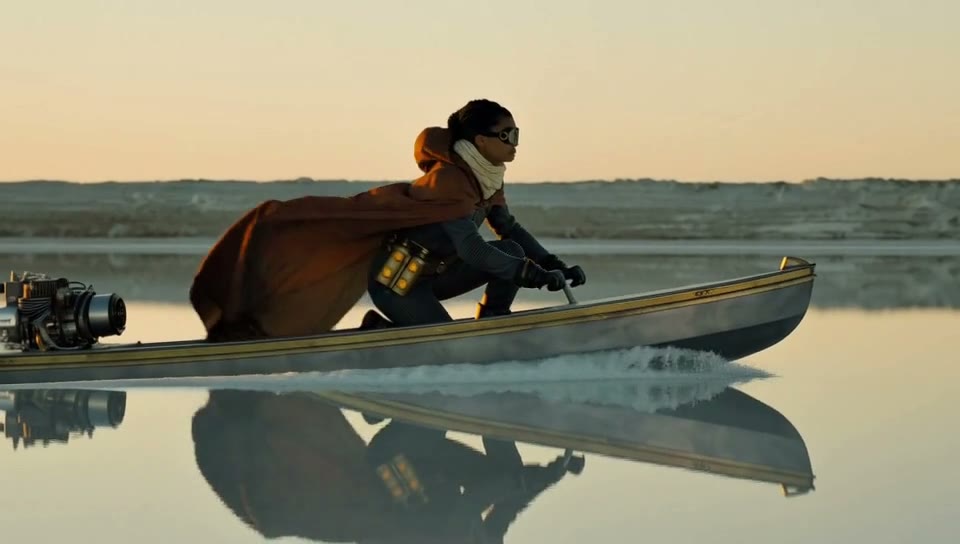
960×544, 9:21
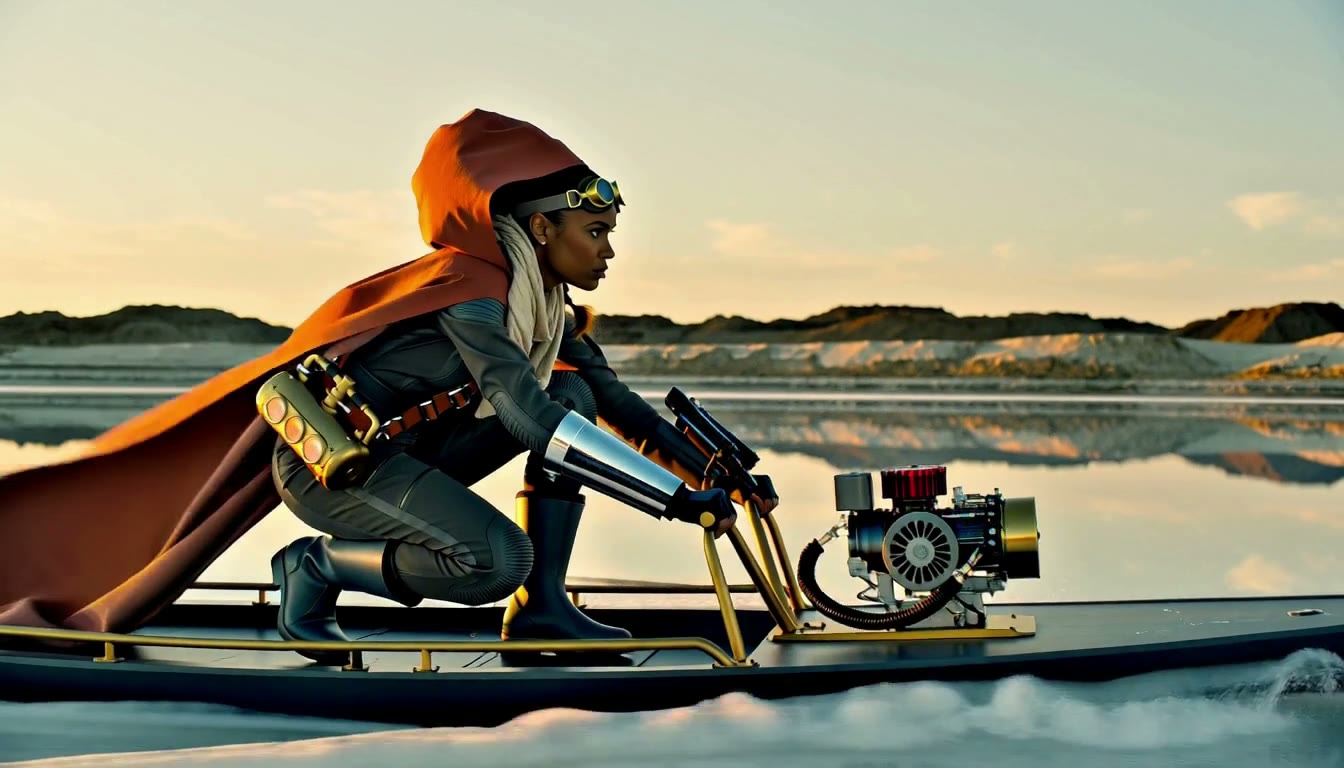
1344×768, 7:05
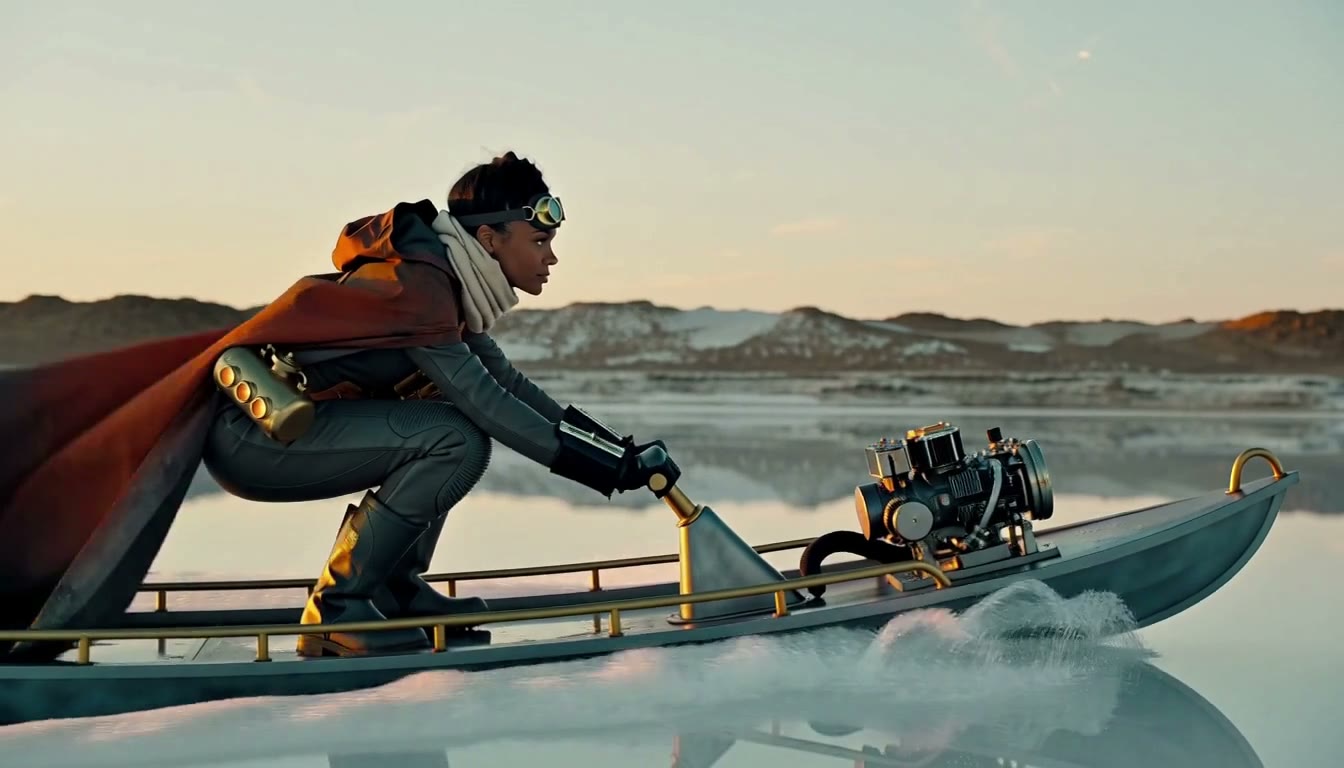
1344×768, 10:12
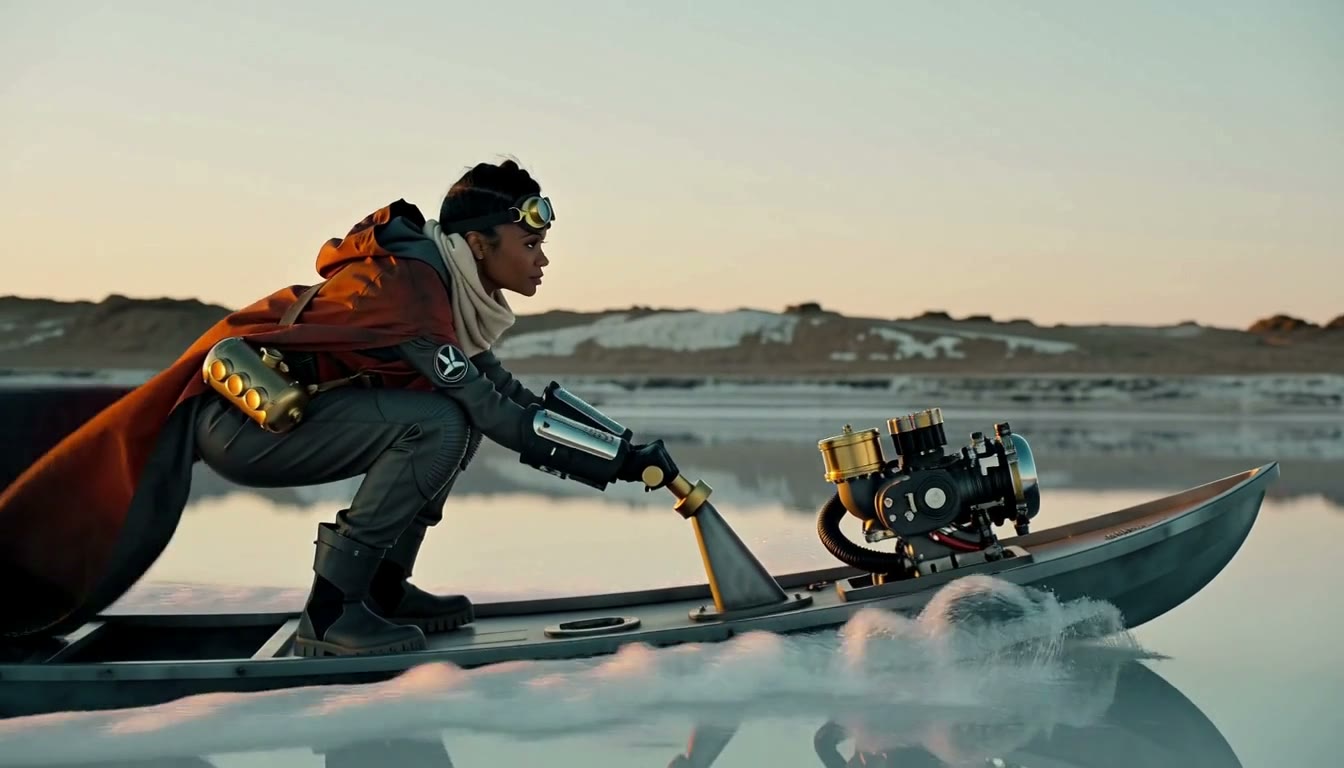
1344×768, 13:32
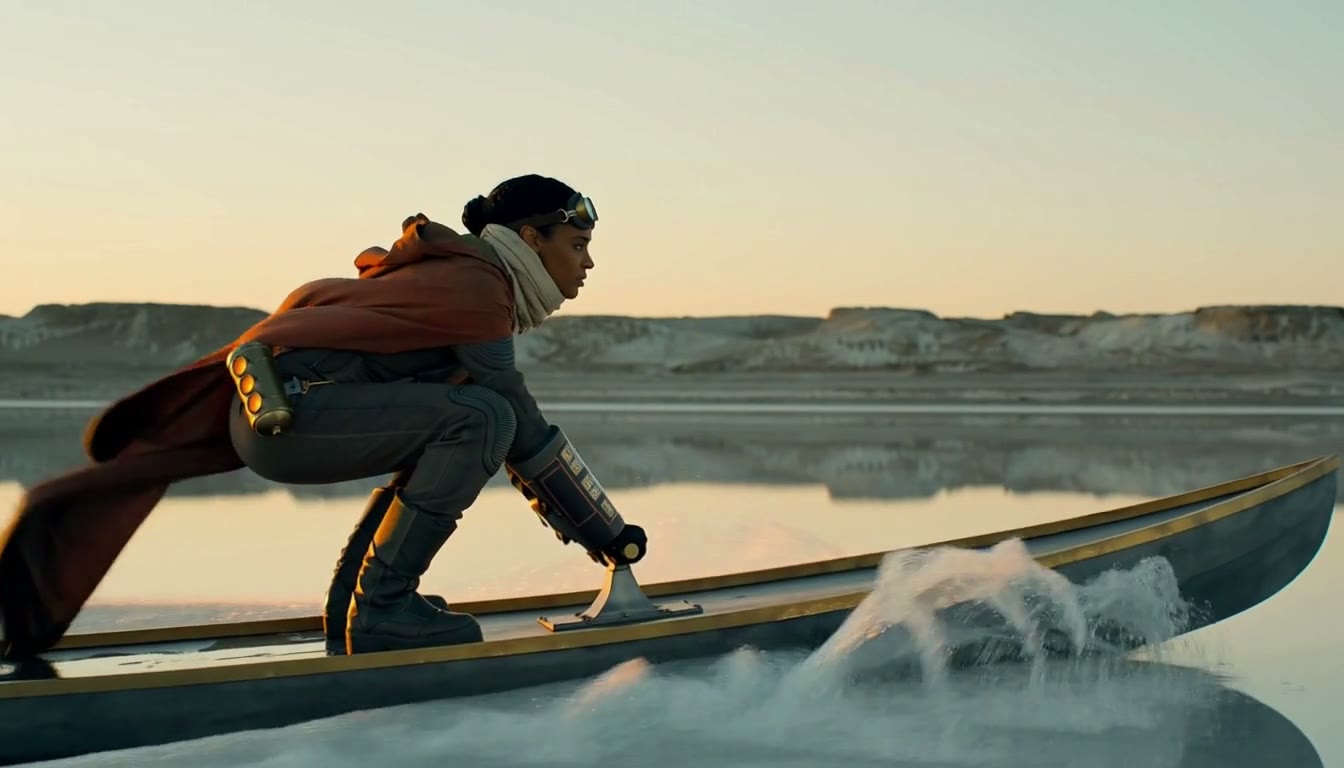
1344×768, 30:41
Scene 2

768×448, 1:14

768×448, 2:11

768×448, 5:08
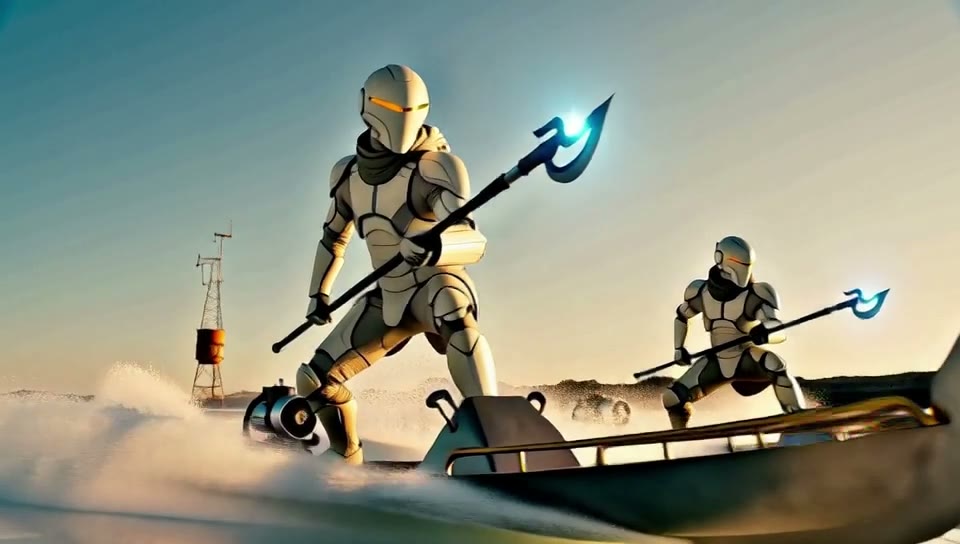
960×544, 2:16

960×544, 3:13

960×544, 4:11
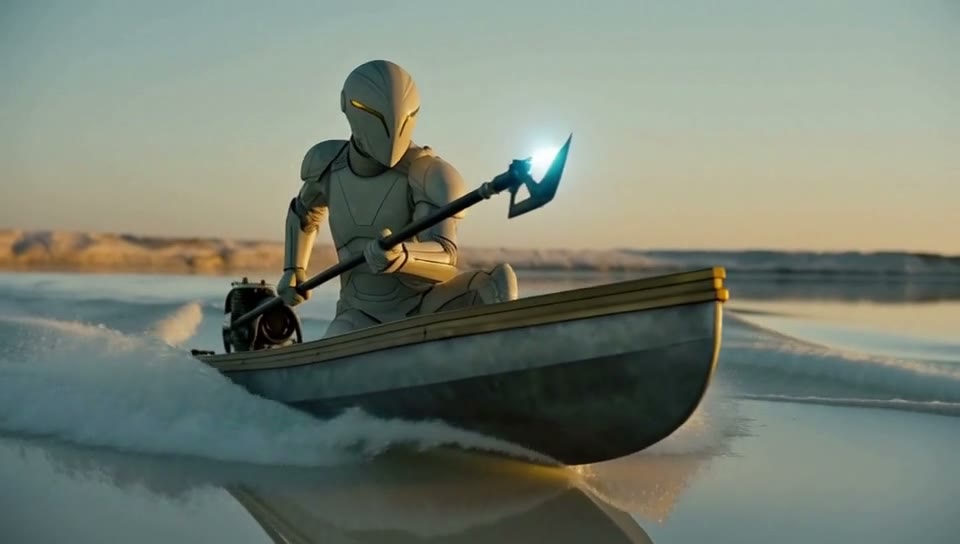
960×544, 9:44

1344×768, 7:20

1344×768, 10:37
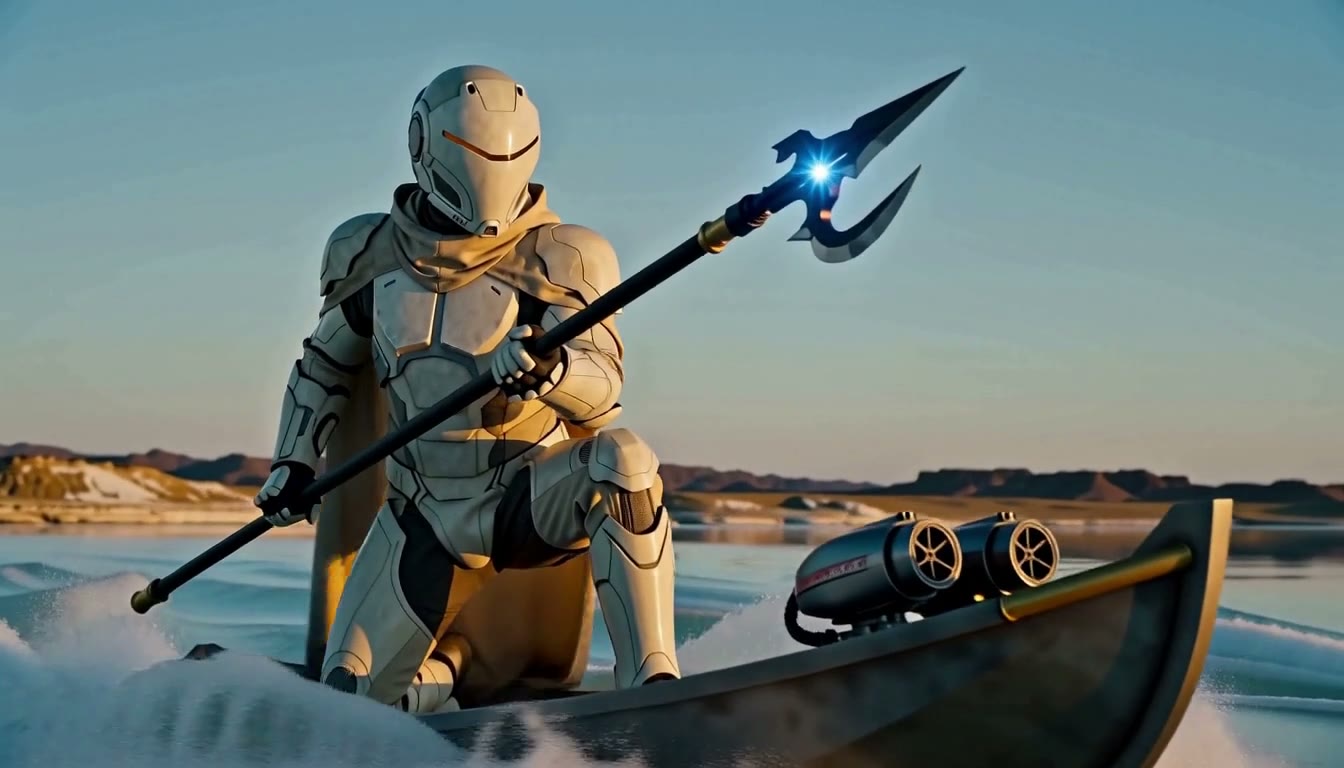
1344×768, 14:00
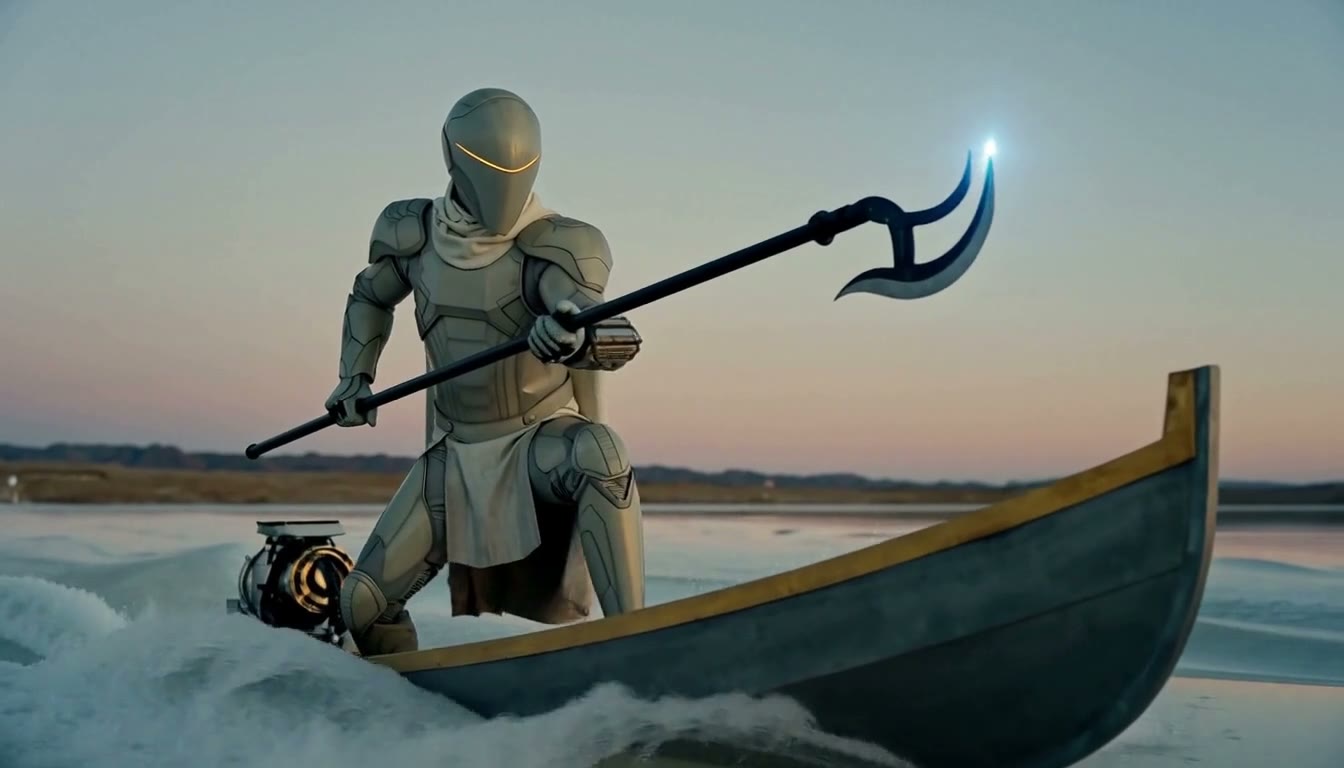
1344×768, 31:56
Scene 3

768×448, 1:12

768×448, 2:08

768×448, 5:00
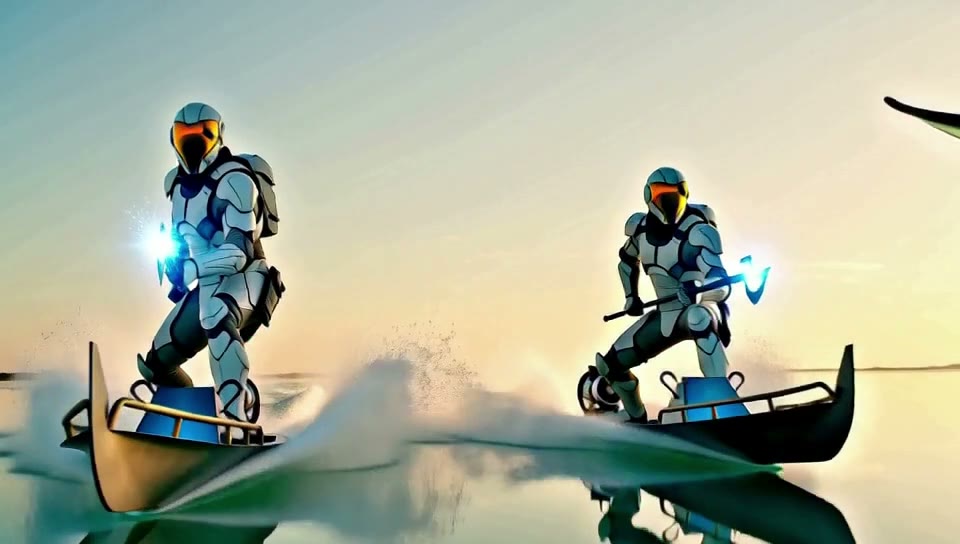
960×544, 2:14

960×544, 3:11

960×544, 4:08

960×544, 9:40

1344×768, 7:14

1344×768, 10:35

1344×768, 13:58

1344×768, 31:54
Scene 4

768×448, 1:13
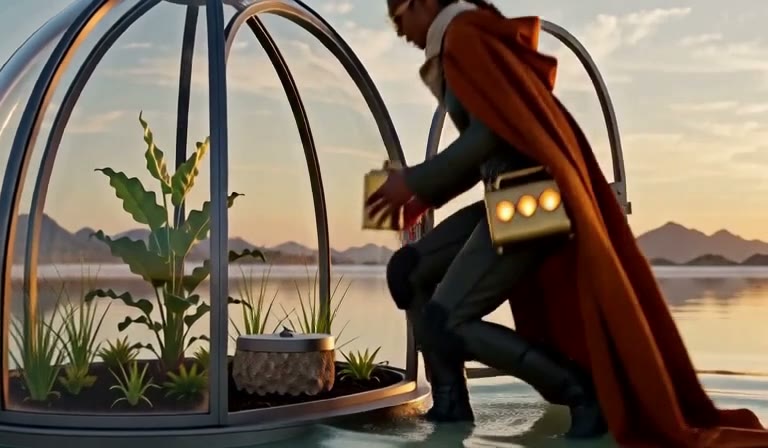
768×448, 2:11
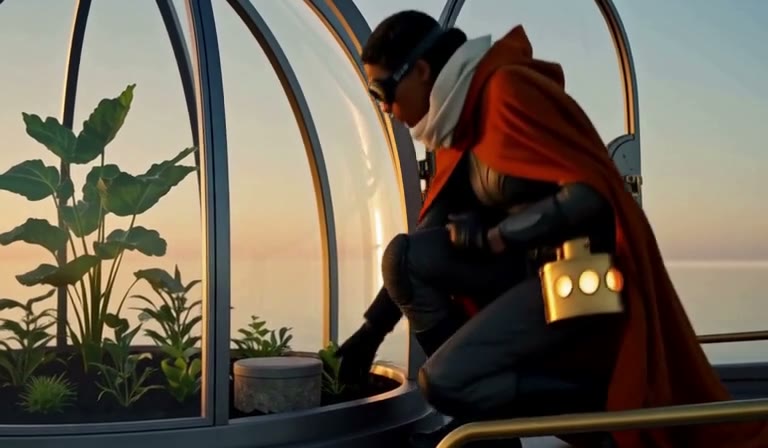
768×448, 5:06
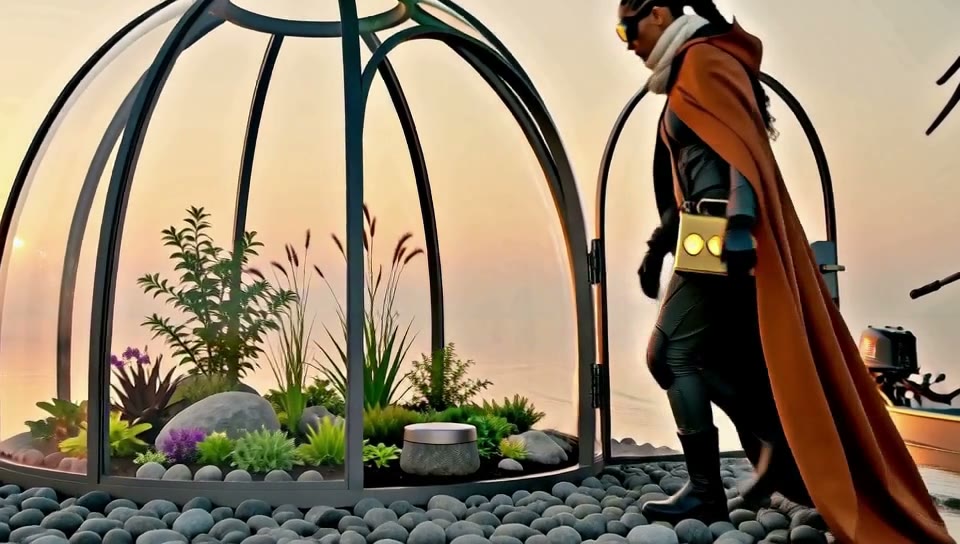
960×544, 2:16
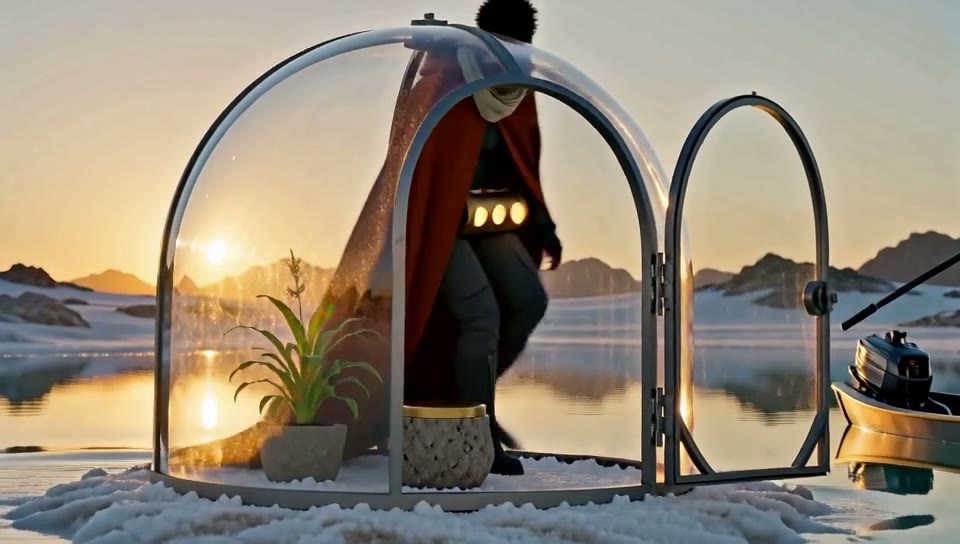
960×544, 3:12
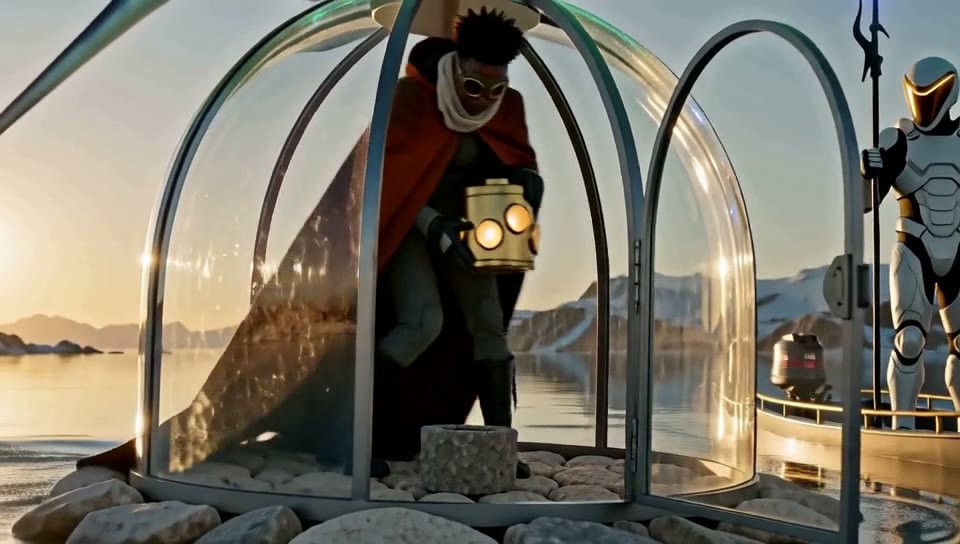
960×544, 4:10
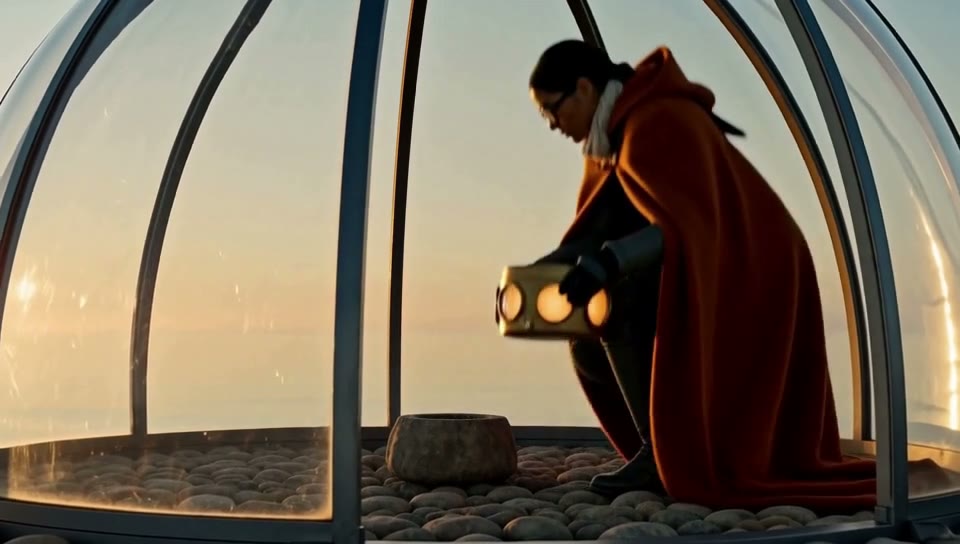
960×544, 9:43
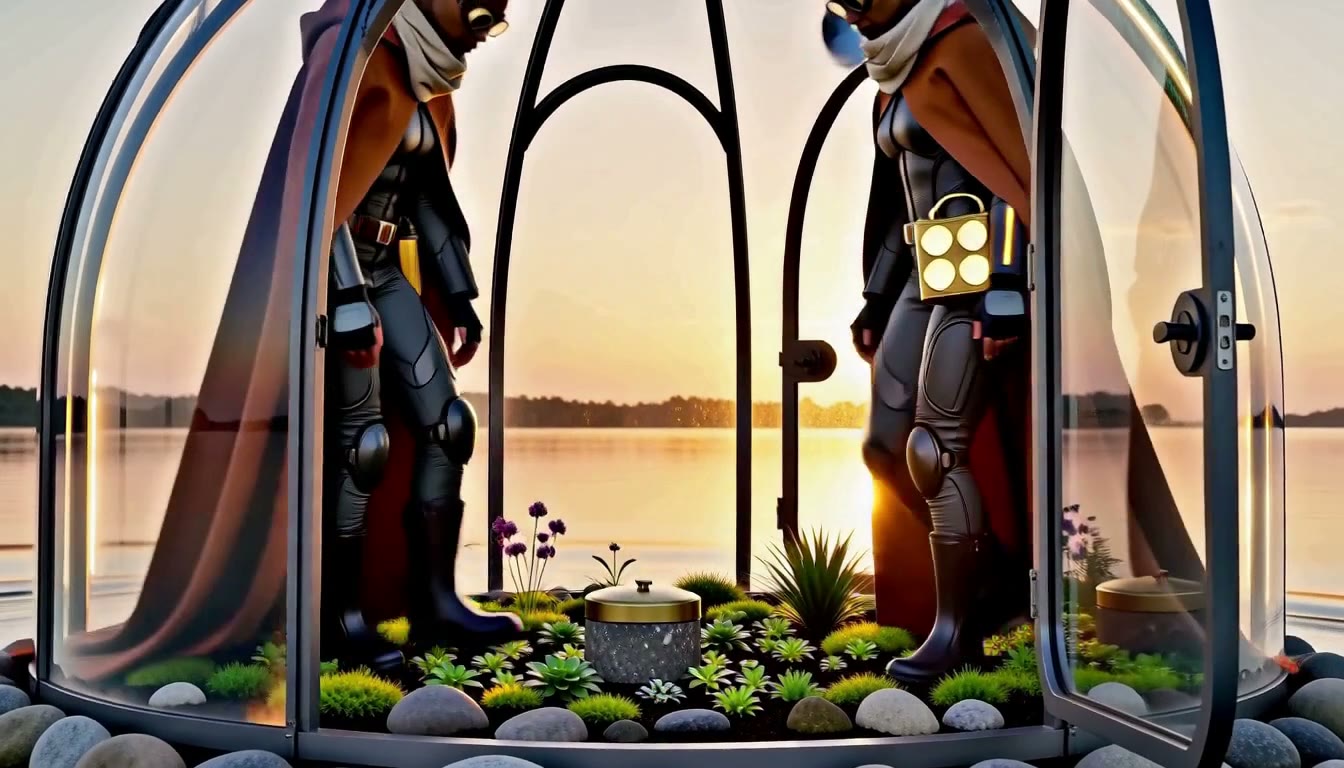
1344×768, 7:16
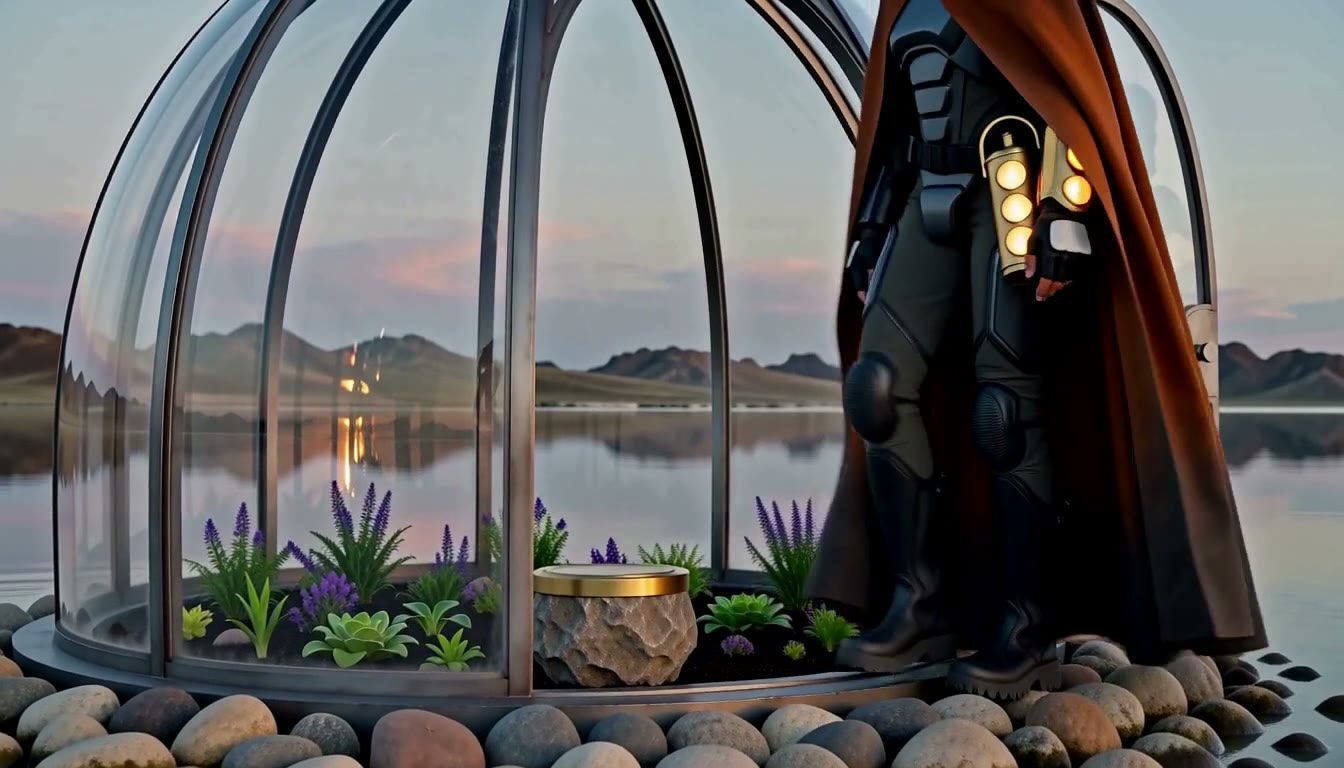
1344×768, 10:36
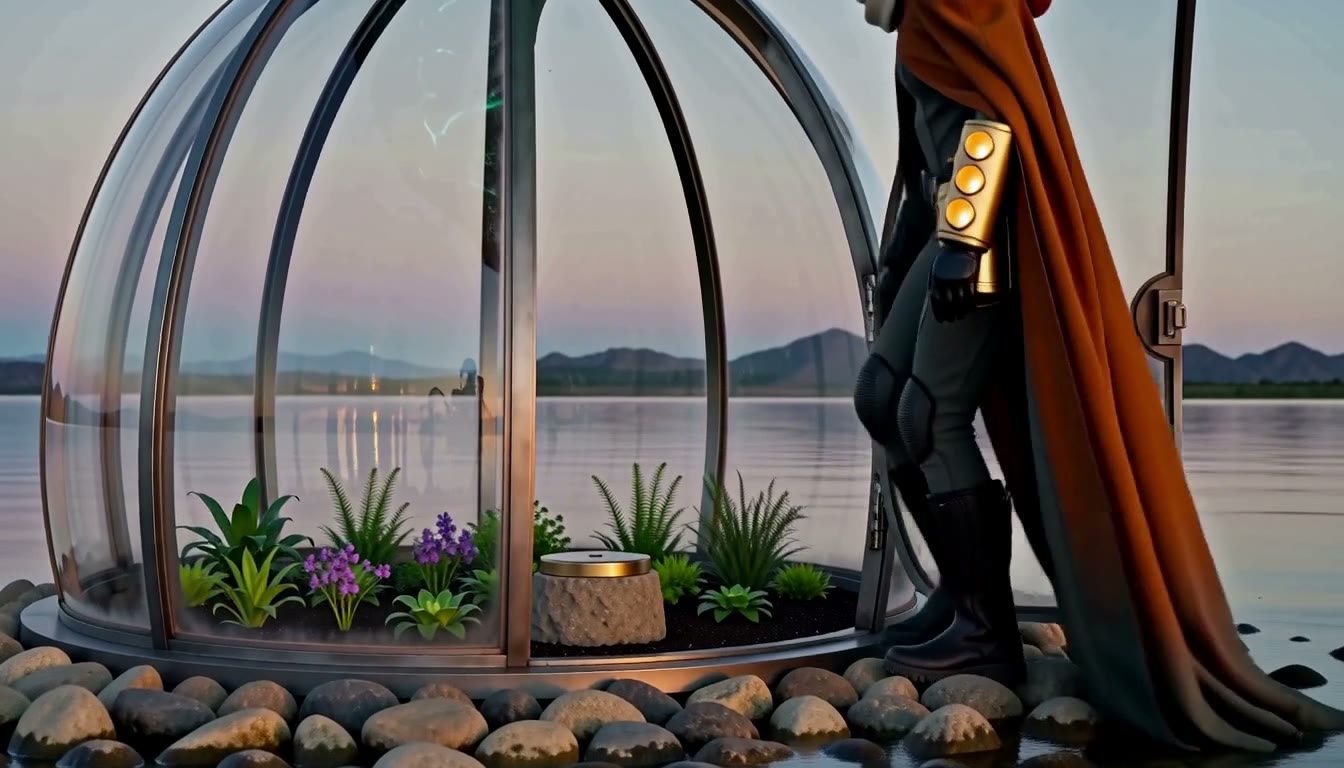
1344×768, 14:00
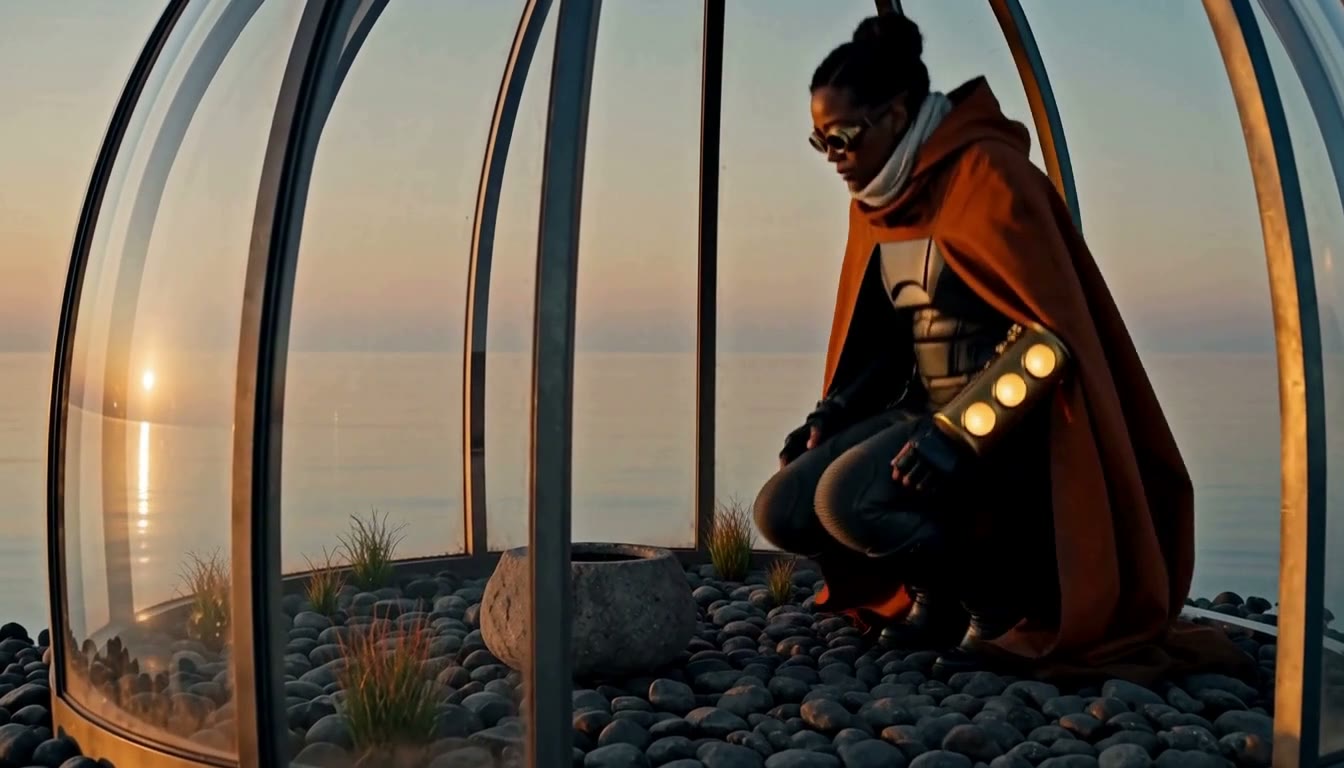
1344×768, 31:55
Scene 5a, words
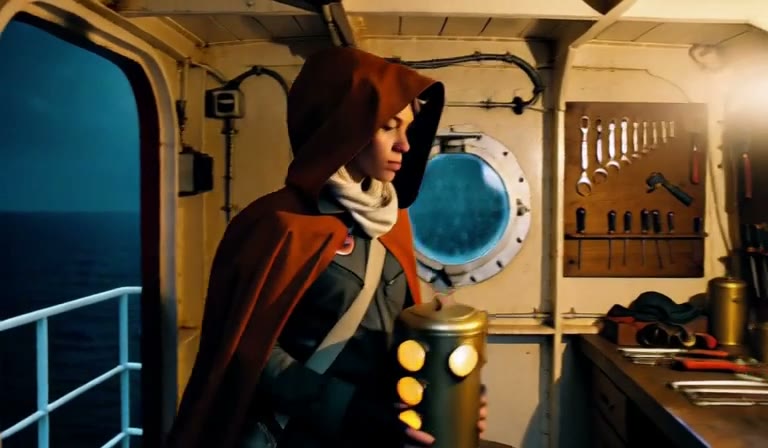
768×448, 1:09
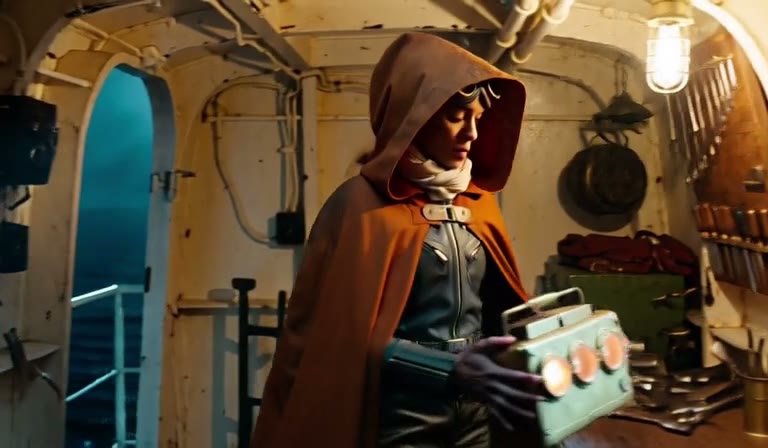
768×448, 2:04
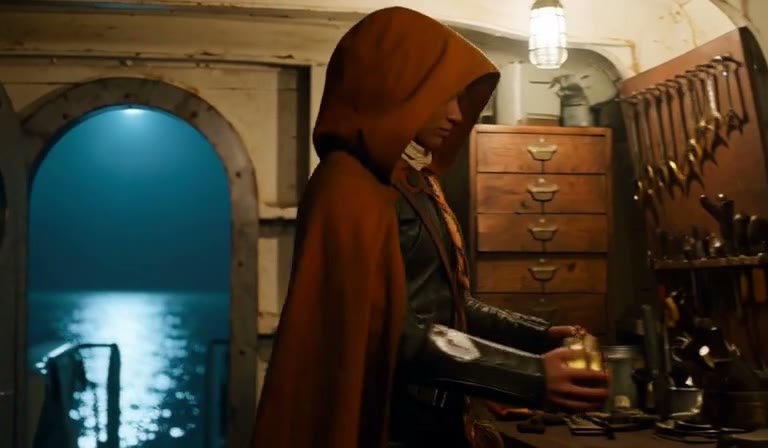
768×448, 4:52
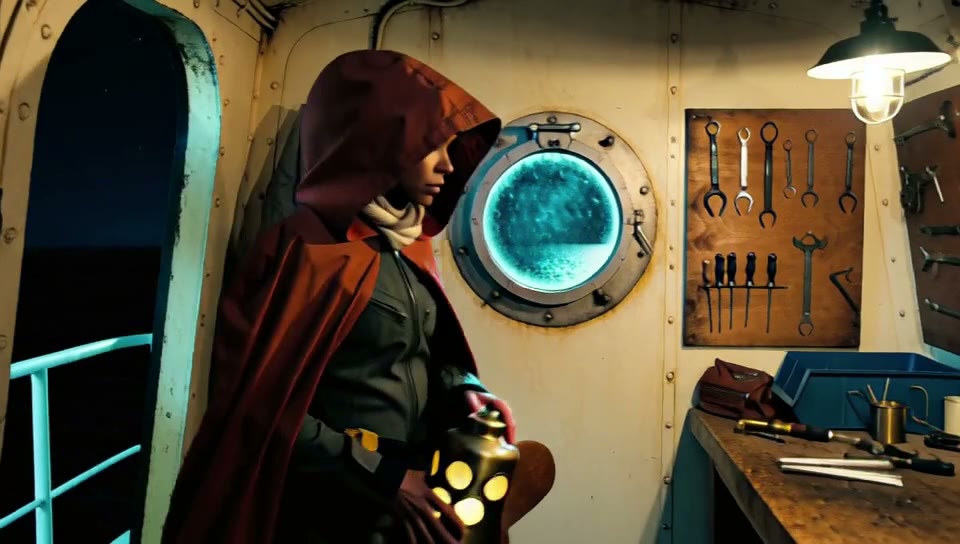
960×544, 2:09
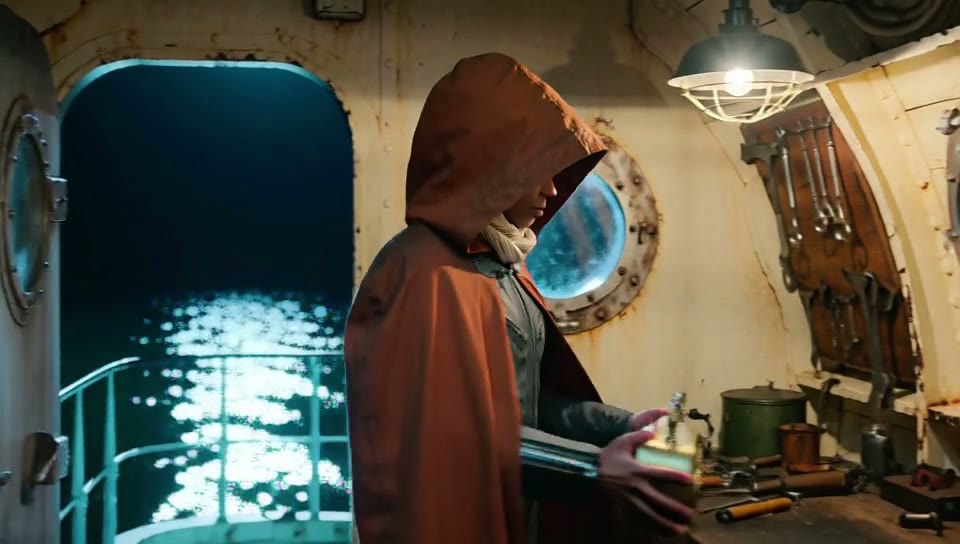
960×544, 3:04
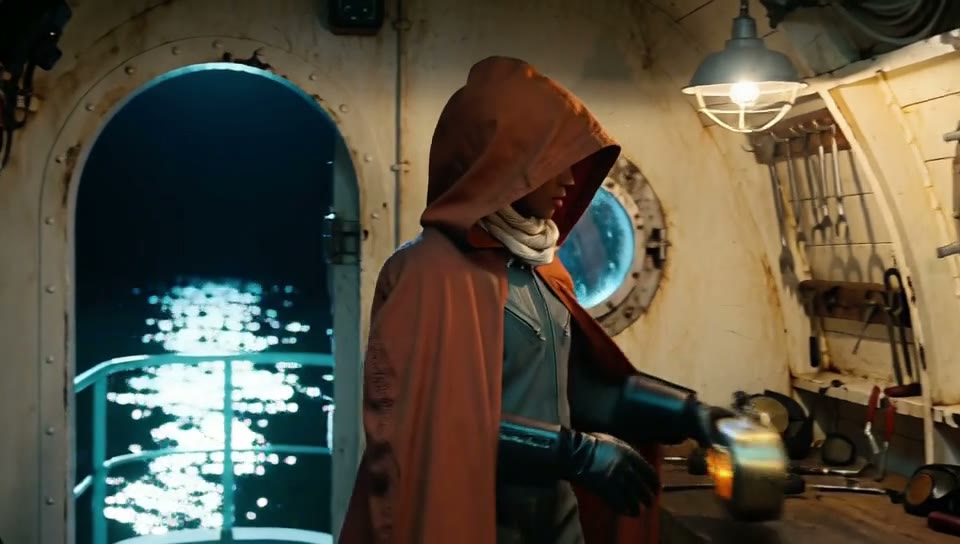
960×544, 4:00
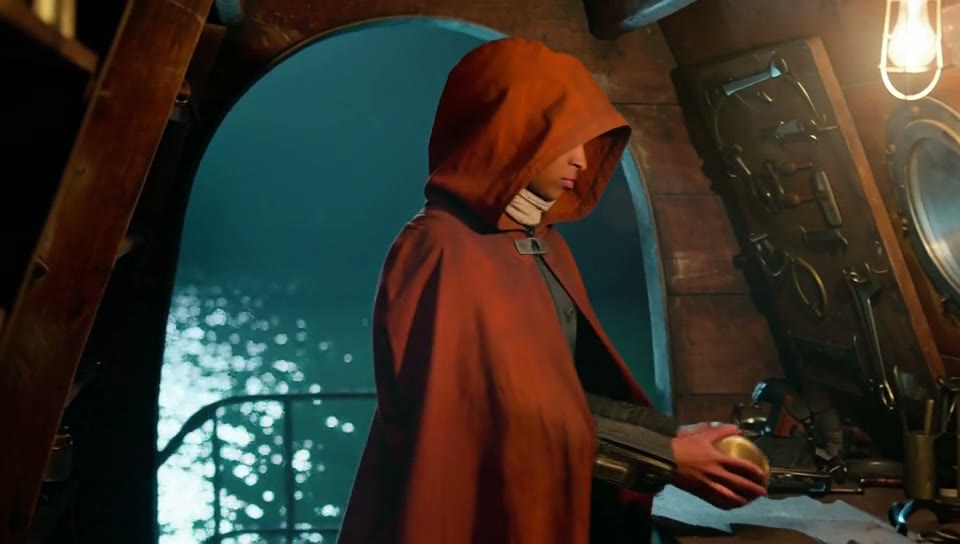
960×544, 9:23
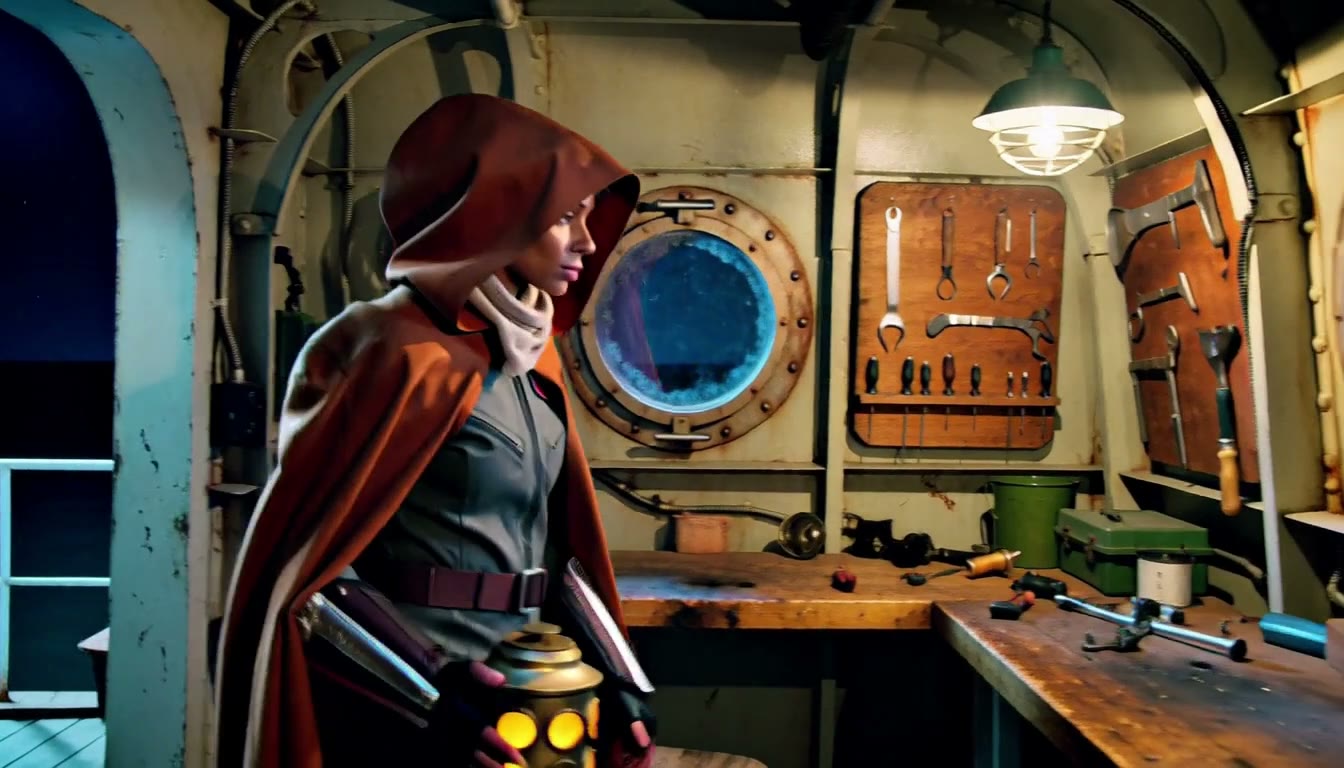
1344×768, 6:58
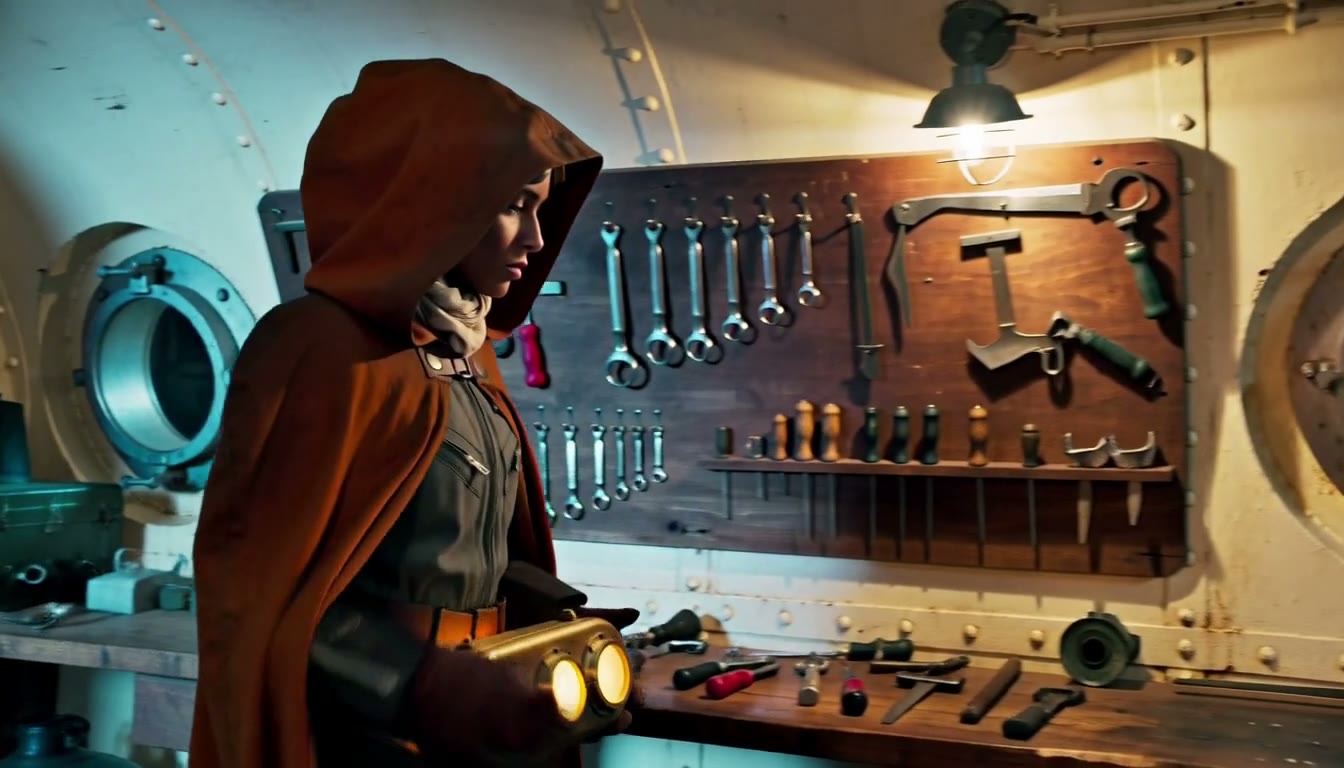
1344×768, 10:12
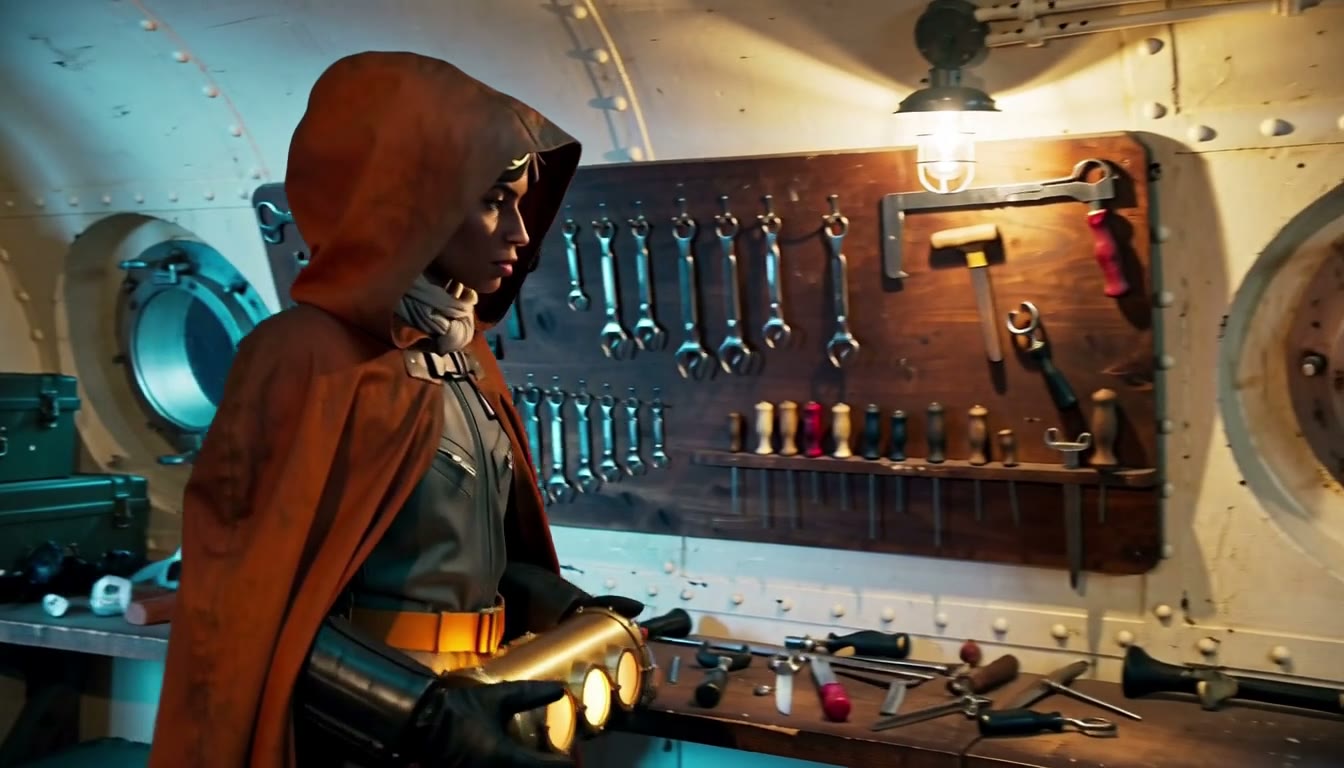
1344×768, 13:30
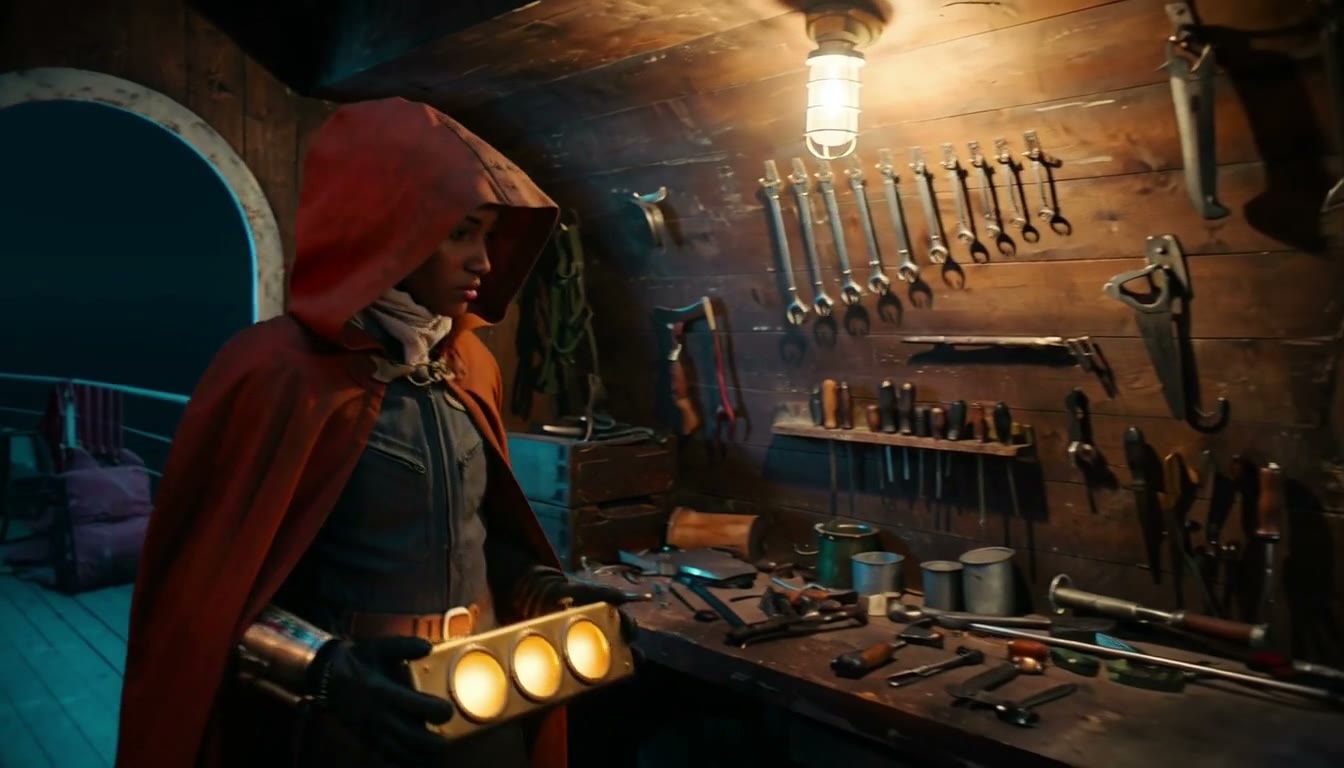
1344×768, 30:48
Scene 5b, anchor
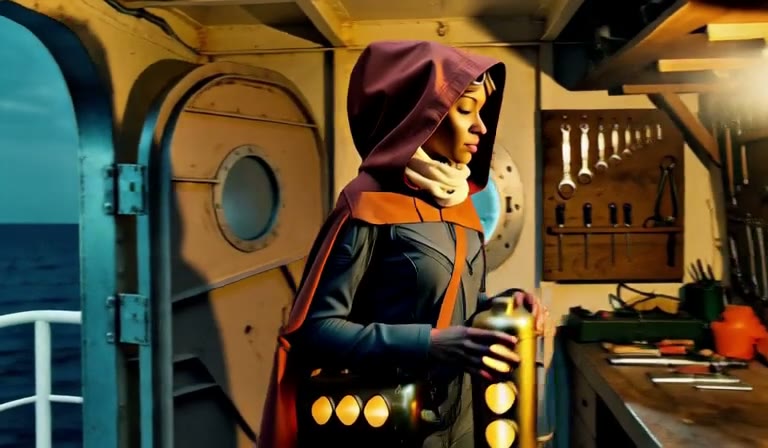
768×448, 1:04
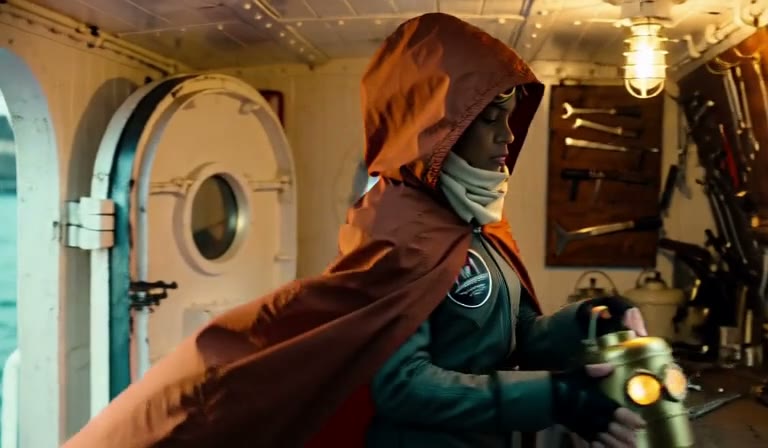
768×448, 2:00
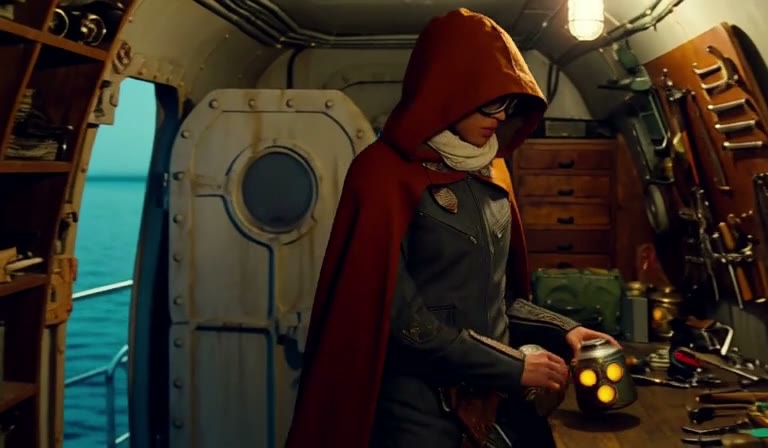
768×448, 4:47
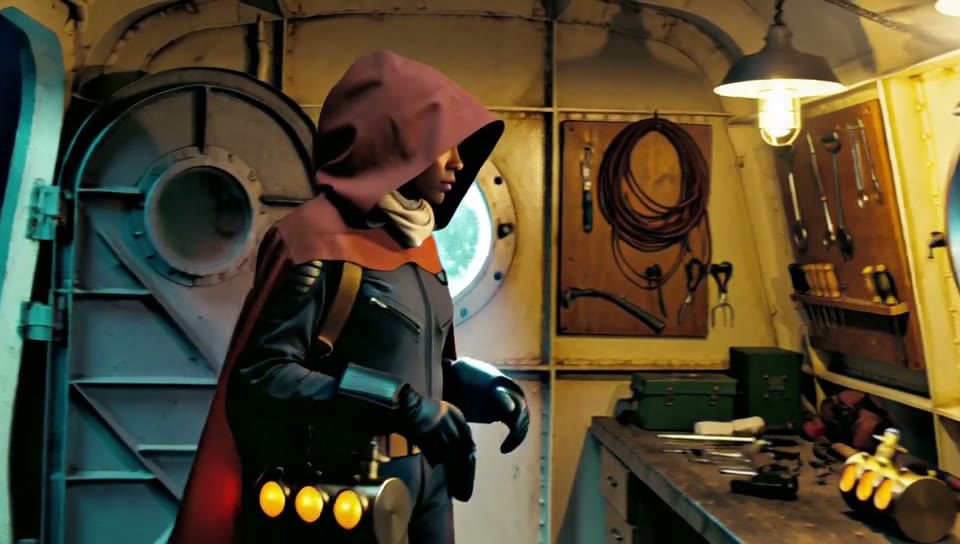
960×544, 2:05
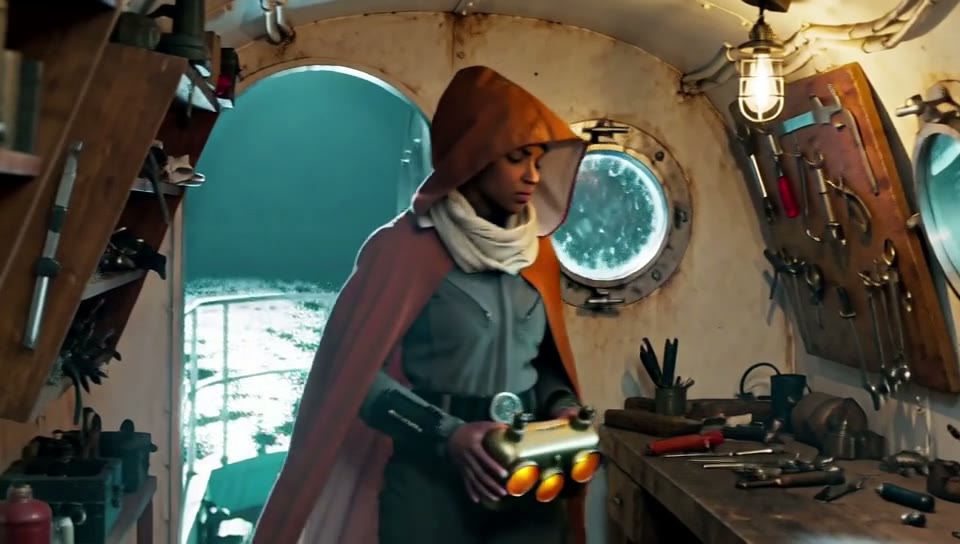
960×544, 3:01
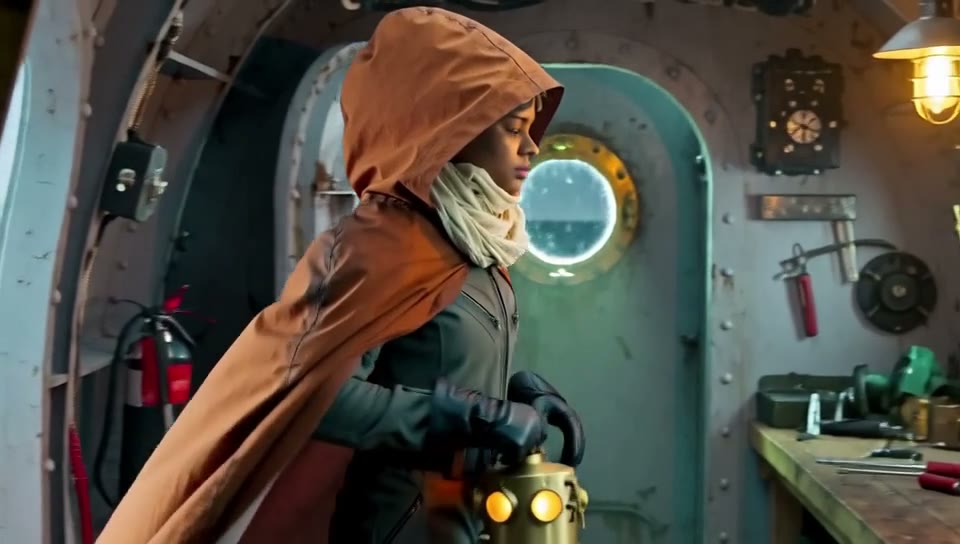
960×544, 3:58
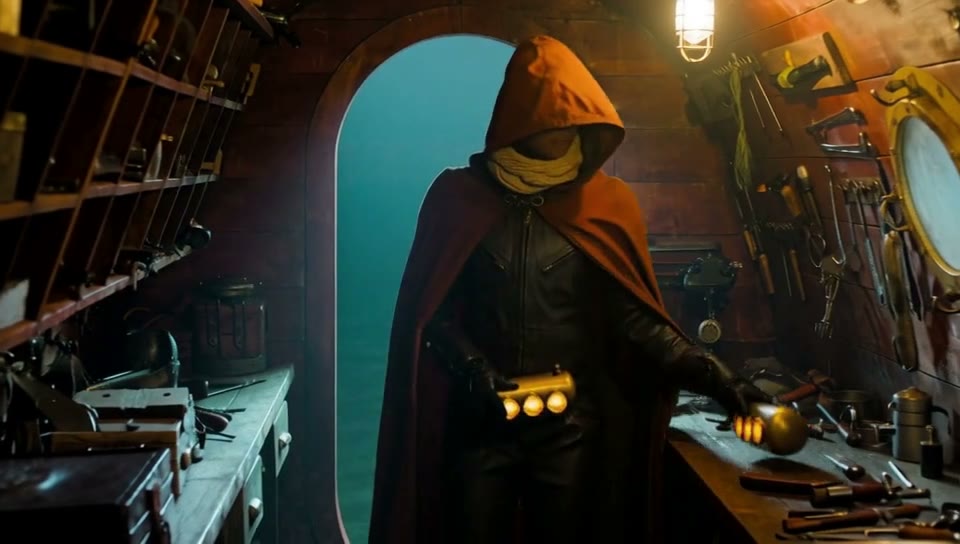
960×544, 9:23
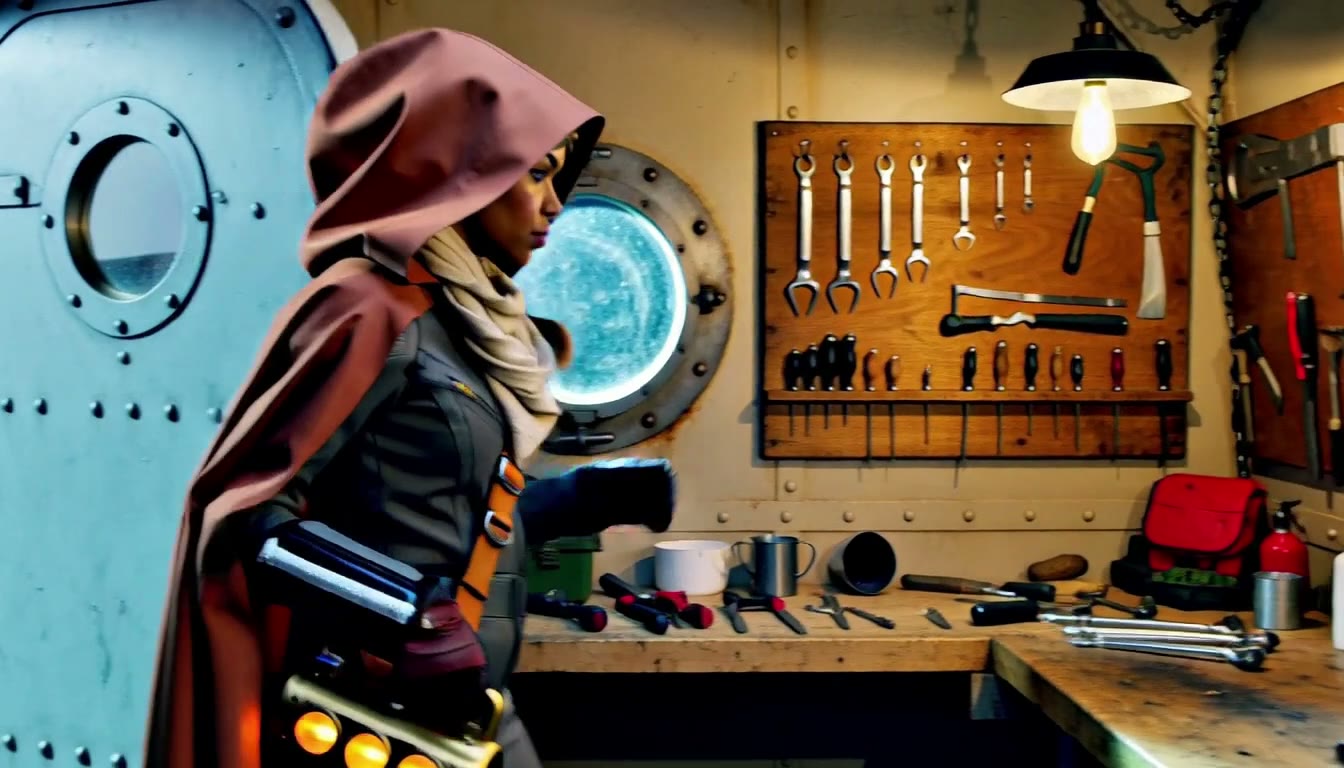
1344×768, 7:01
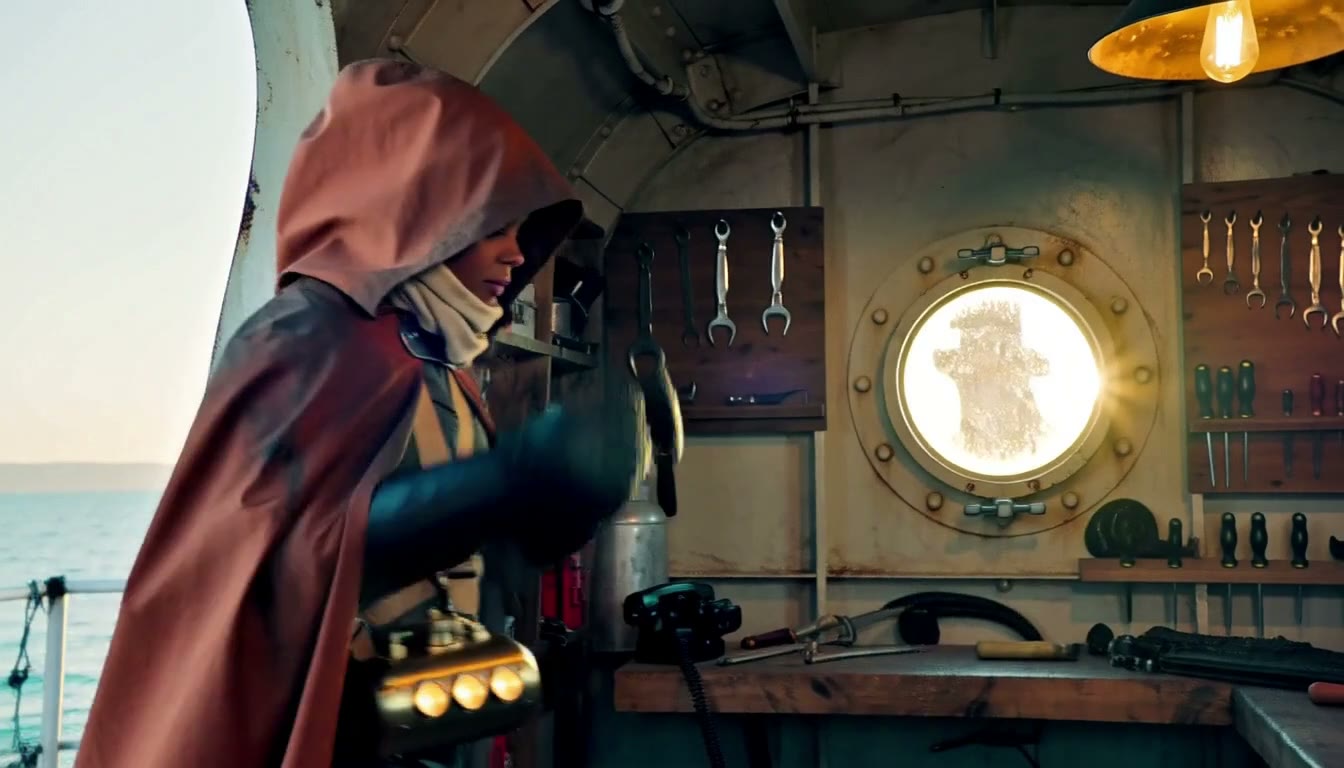
1344×768, 10:19
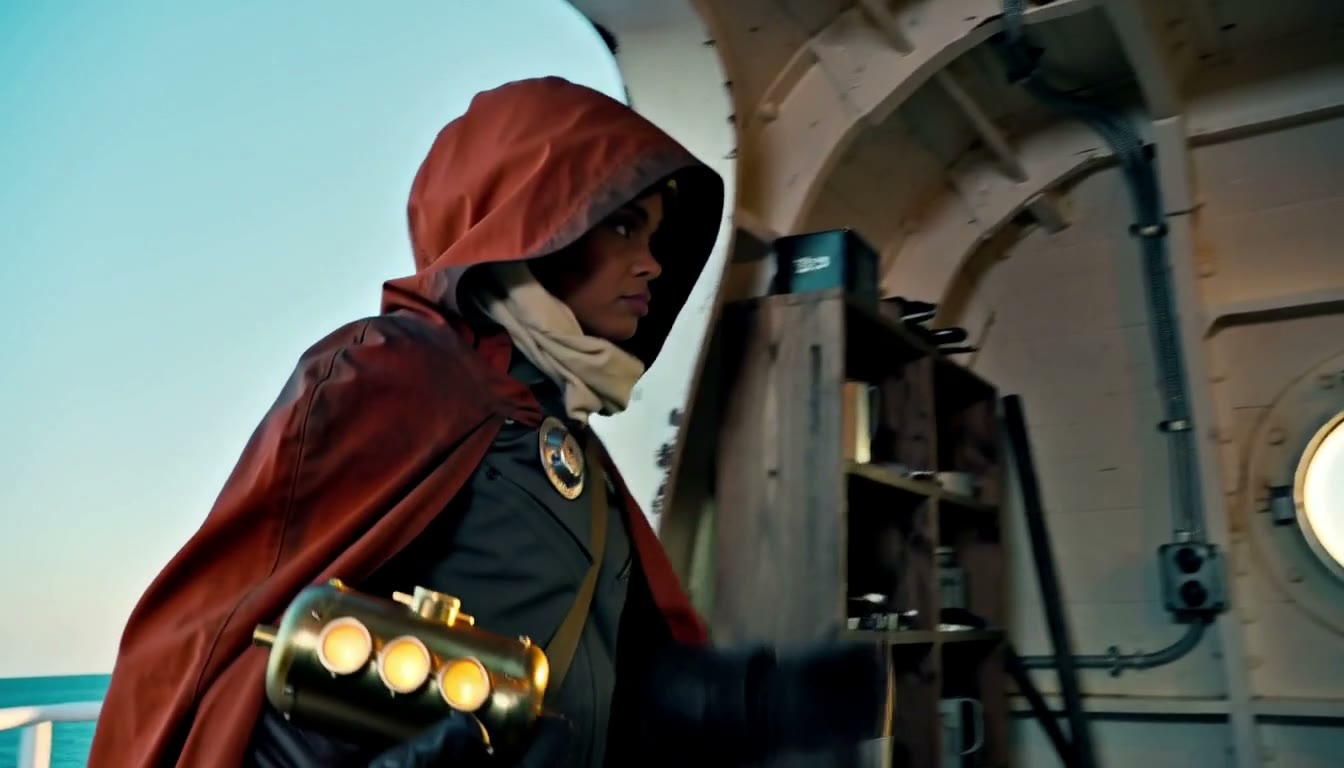
1344×768, 13:40
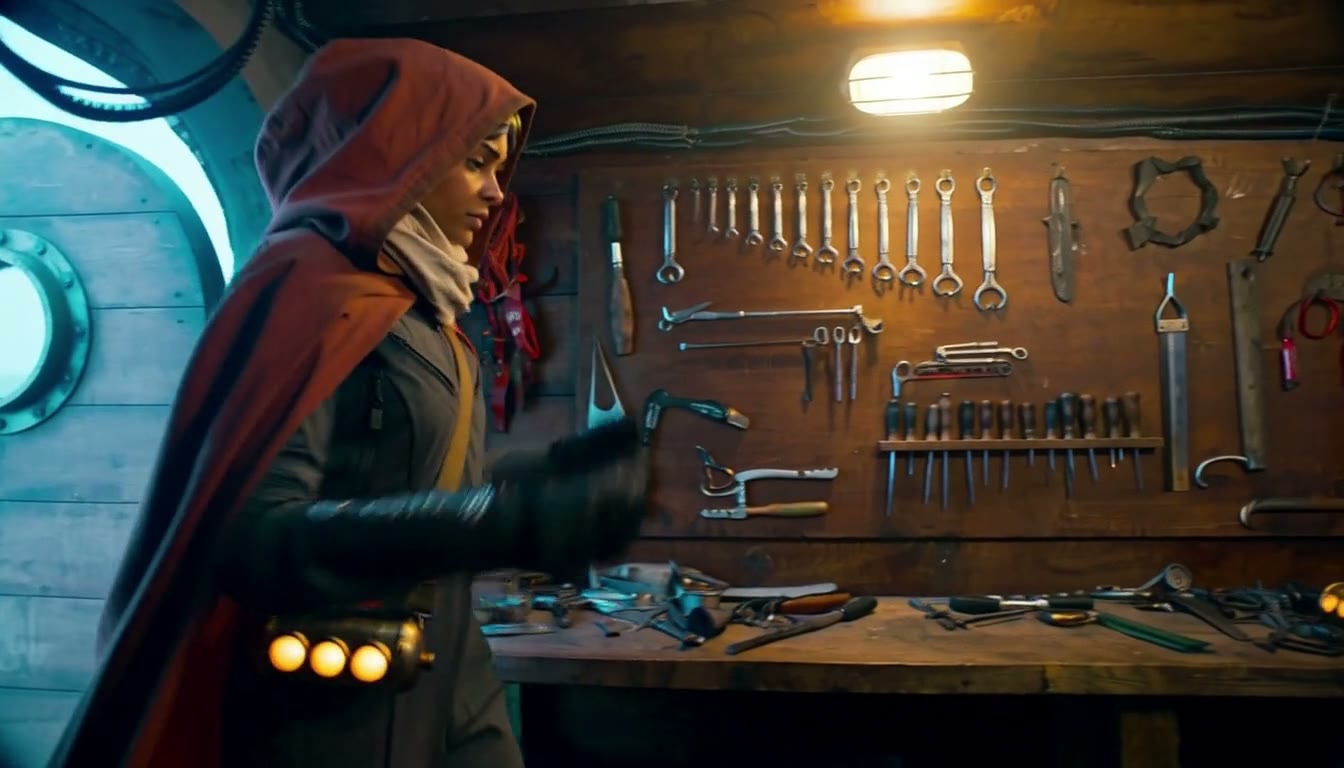
1344×768, 31:19
Every preview clip
Every preview is below, grouped by version, each with its generation time. They are published copies of our files, with the logo laid in the corner and no metadata, as in the SALT TIDE post. We show them one by one and not as a stitched film: our publishing tool would not make a copy of a 75-second preview small enough to play on a phone that was still the original with a logo on it, and we left its check as it is.
p768-t4: 768×448, 4 steps (6 clips shown)
p768-t8: 768×448, 8 steps (6 clips shown)
p768-t20: 768×448, 20 steps (6 clips shown)
p960-t4: 960×544, 4 steps (6 clips shown)
p960-t6: 960×544, 6 steps (6 clips shown)
p960-t8: 960×544, 8 steps (6 clips shown)
p960-t20: 960×544, 20 steps (6 clips shown)
p1344-t4: 1344×768, 4 steps (5 clips shown)
Scene 4: 7:16, not shown: the tool refused to make a published copy (the copy changed outside the logo corner); the clip is not shown.
p1344-t6: 1344×768, 6 steps (6 clips shown)
p1344-t8: 1344×768, 8 steps (6 clips shown)
Upscaling a preview instead of drawing the final
The other way to HD is to draw the preview and then upscale it to 1344 by 768. We tried SeedVR2, an upscaler, in two sizes (7B in half precision, and 3B in 8-bit), on scene 1 of the previews listed below. The upscale is its own run with its own seed (0); the preview was drawn with 4242. Every output is 1344 by 768 and 362 frames.
| Preview | Upscaler | Preview seconds | Upscale seconds | Both together | Times less than the final (1,840.8 s) | Upscale peak memory (MB) |
|---|---|---|---|---|---|---|
| p768-t4 | 3B | 72.1 | 179.6 | 251.7 | 7.3 × | 14,831 |
| p768-t8 | 3B | 128.2 | 179.2 | 307.4 | 6.0 × | 14,831 |
| p768-t20 | 3B | 295.2 | 179.8 | 475.0 | 3.9 × | 9,362 |
| p960-t4 | 3B | 131.7 | 179.8 | 311.5 | 5.9 × | 9,312 |
| p960-t6 | 3B | 185.2 | 179.2 | 364.4 | 5.1 × | 16,335 |
| p960-t8 | 3B | 239.1 | 178.9 | 418.0 | 4.4 × | 14,881 |
| p960-t20 | 3B | 560.7 | 178.8 | 739.5 | 2.5 × | 14,881 |
| p768-t4 | 7B | 72.1 | 200.9 | 273.0 | 6.7 × | 23,991 |
| p768-t8 | 7B | 128.2 | 194.1 | 322.3 | 5.7 × | 17,230 |
| p768-t20 | 7B | 295.2 | 204.0 | 499.2 | 3.7 × | 22,716 |
| p960-t4 | 7B | 131.7 | 195.1 | 326.8 | 5.6 × | 17,230 |
| p960-t6 | 7B | 185.2 | 196.1 | 381.3 | 4.8 × | 17,230 |
| p960-t8 | 7B | 239.1 | 195.6 | 434.7 | 4.2 × | 17,230 |
| p960-t20 | 7B | 560.7 | 194.9 | 755.6 | 2.4 × | 17,230 |
The upscale took 178.8 to 204.0 seconds whatever the preview, against the final’s 1,840.8 seconds for the same scene. The comparison is for scene 1 only, and an upscale is not a redraw of the scene: it works from the preview’s pictures. Whether it is good enough is for the admin’s eye.
Frame 120 of scene 1: the preview, its upscale and the final
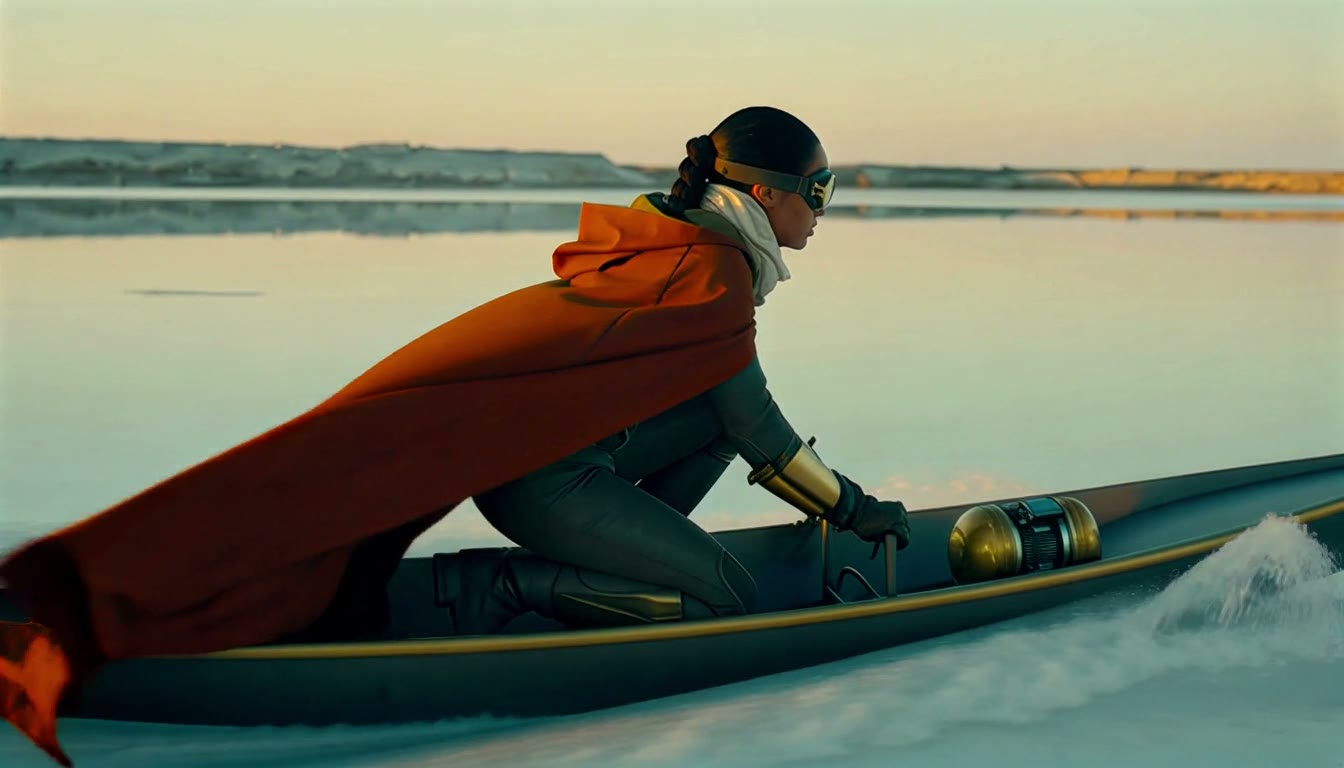
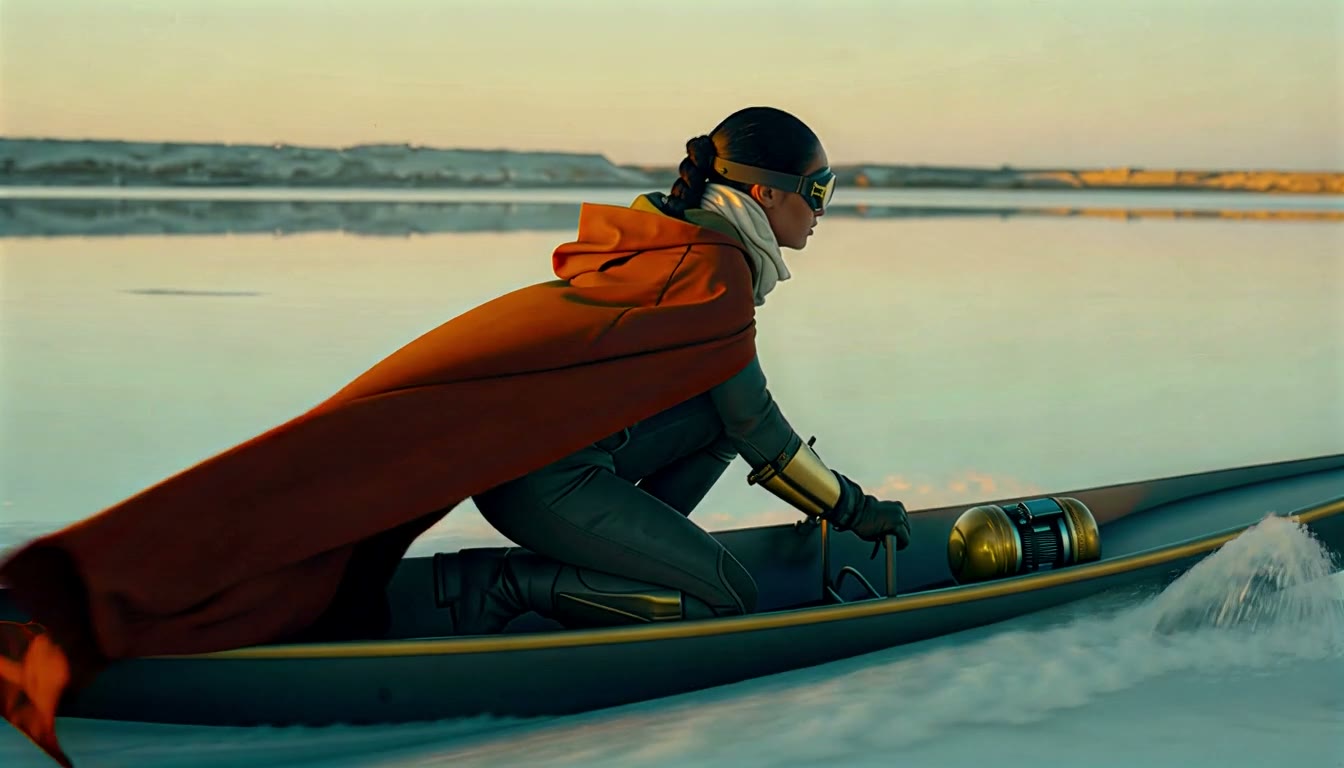
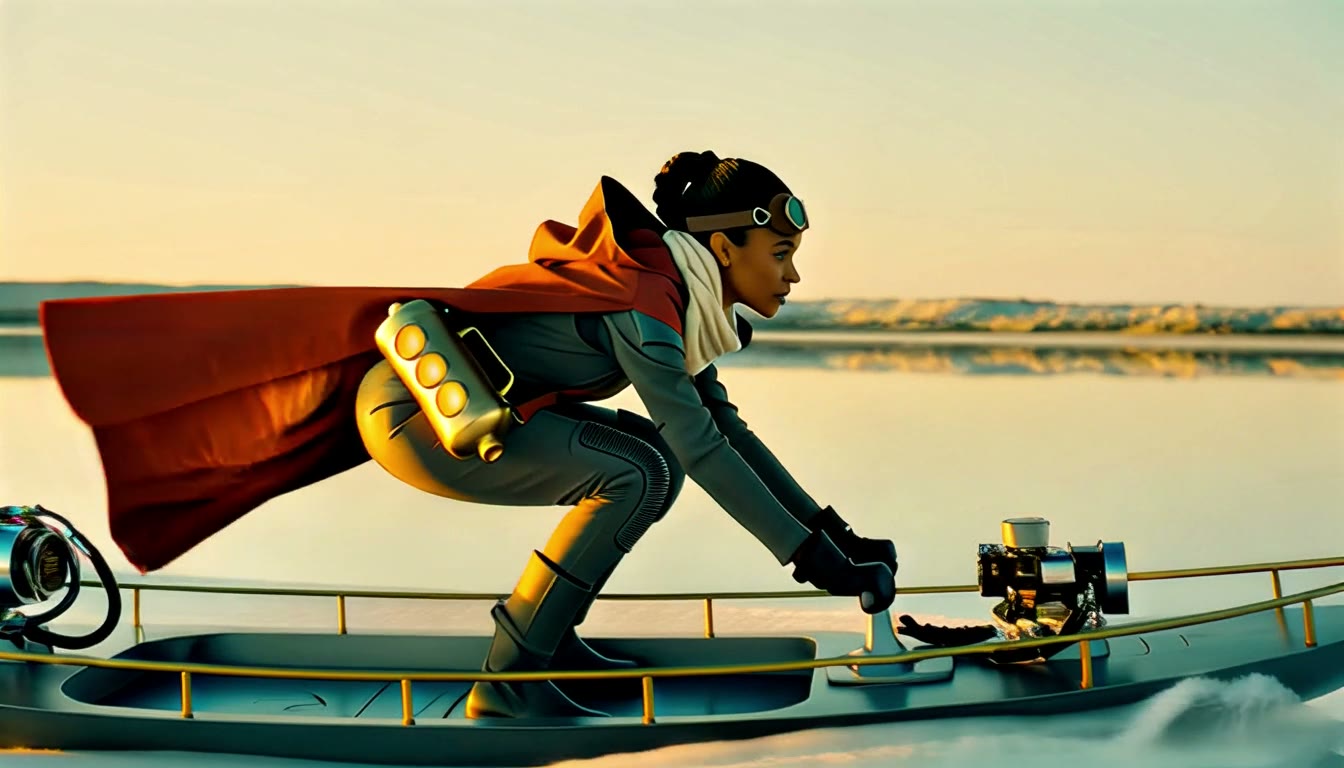
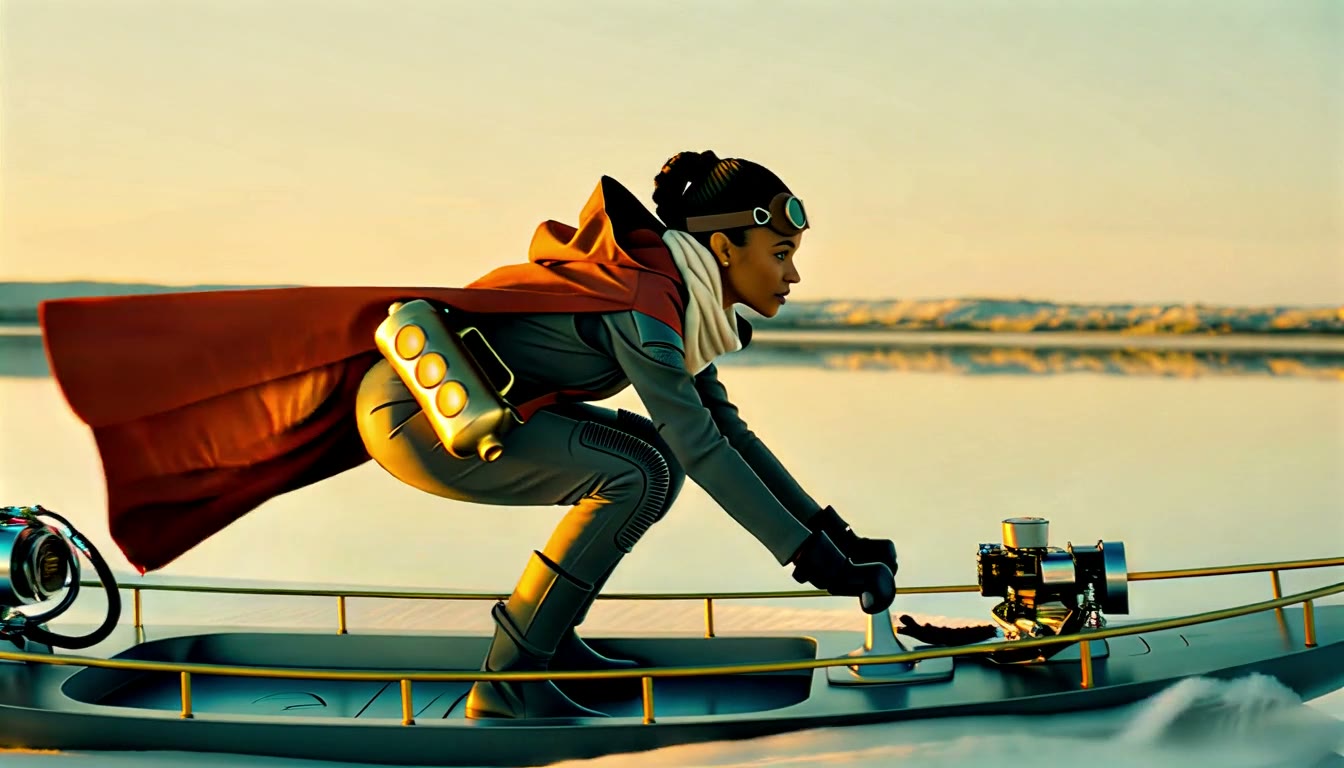
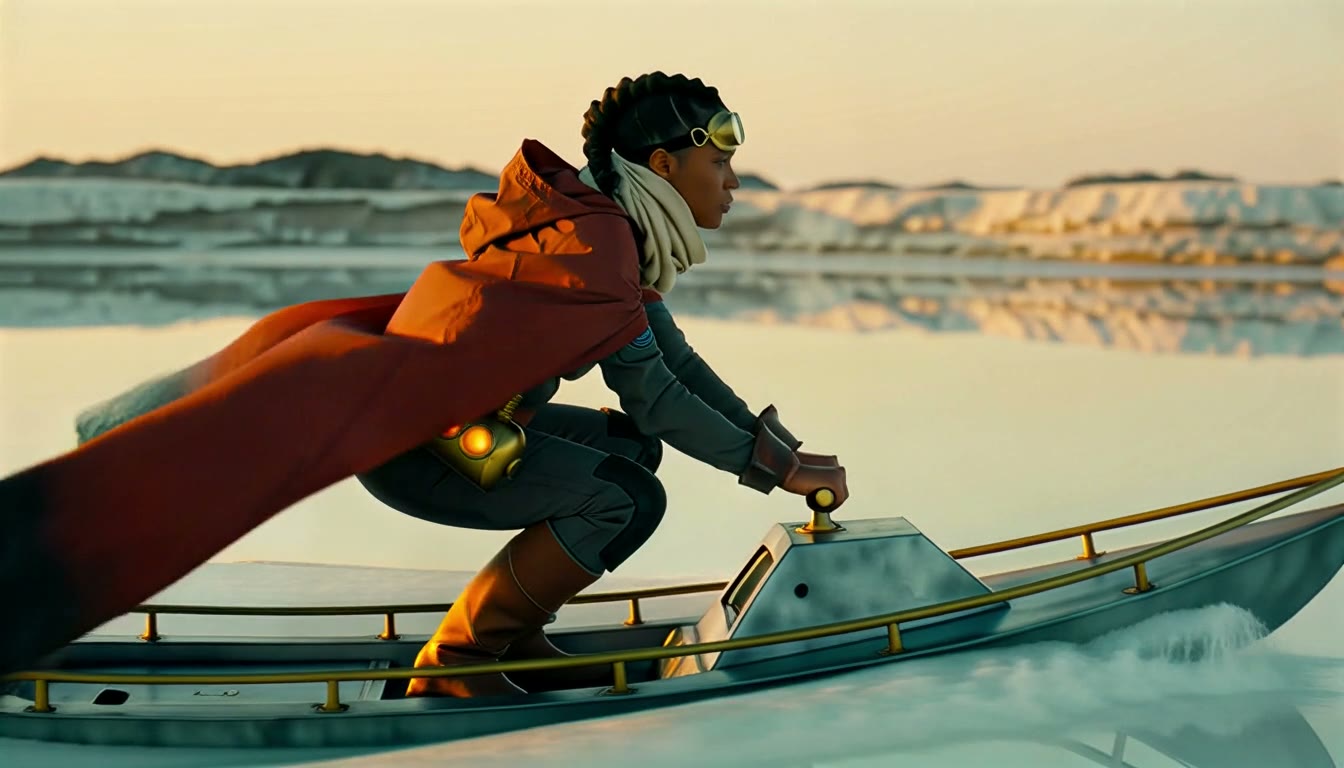

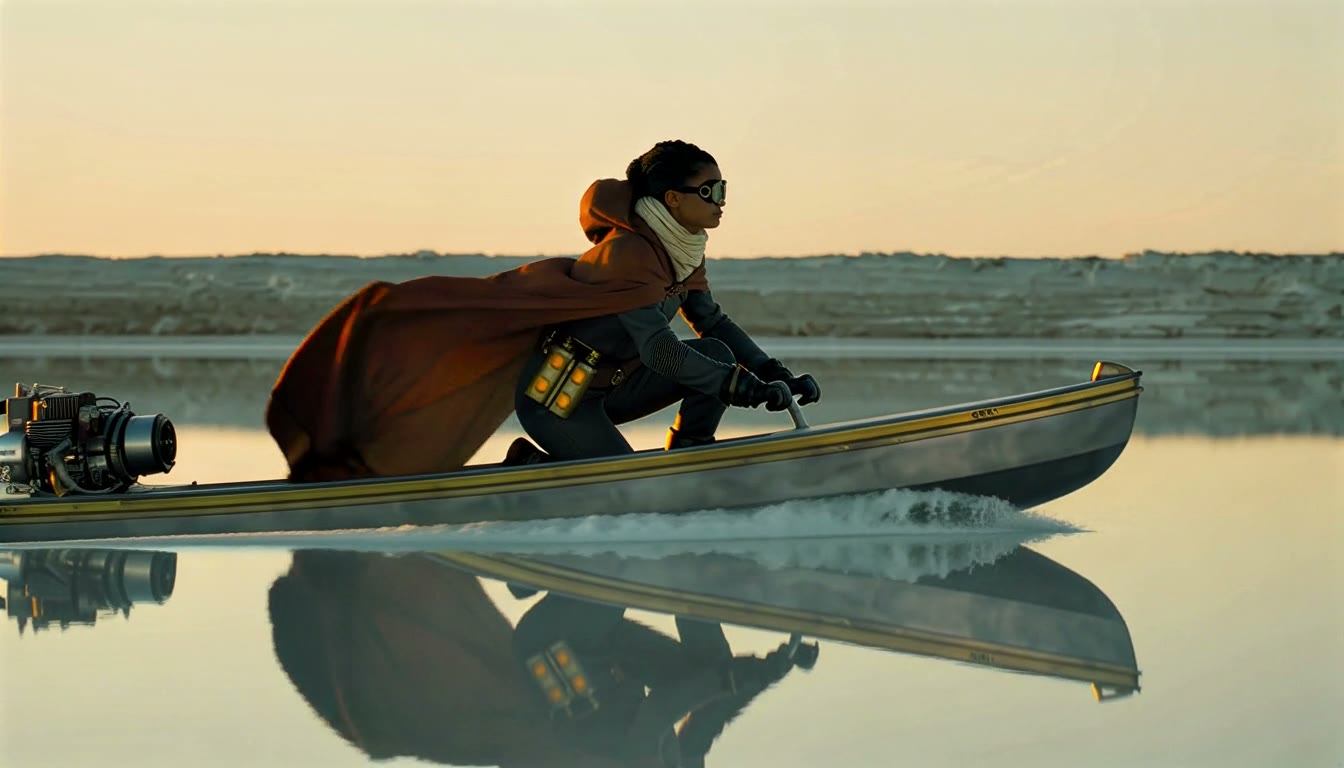
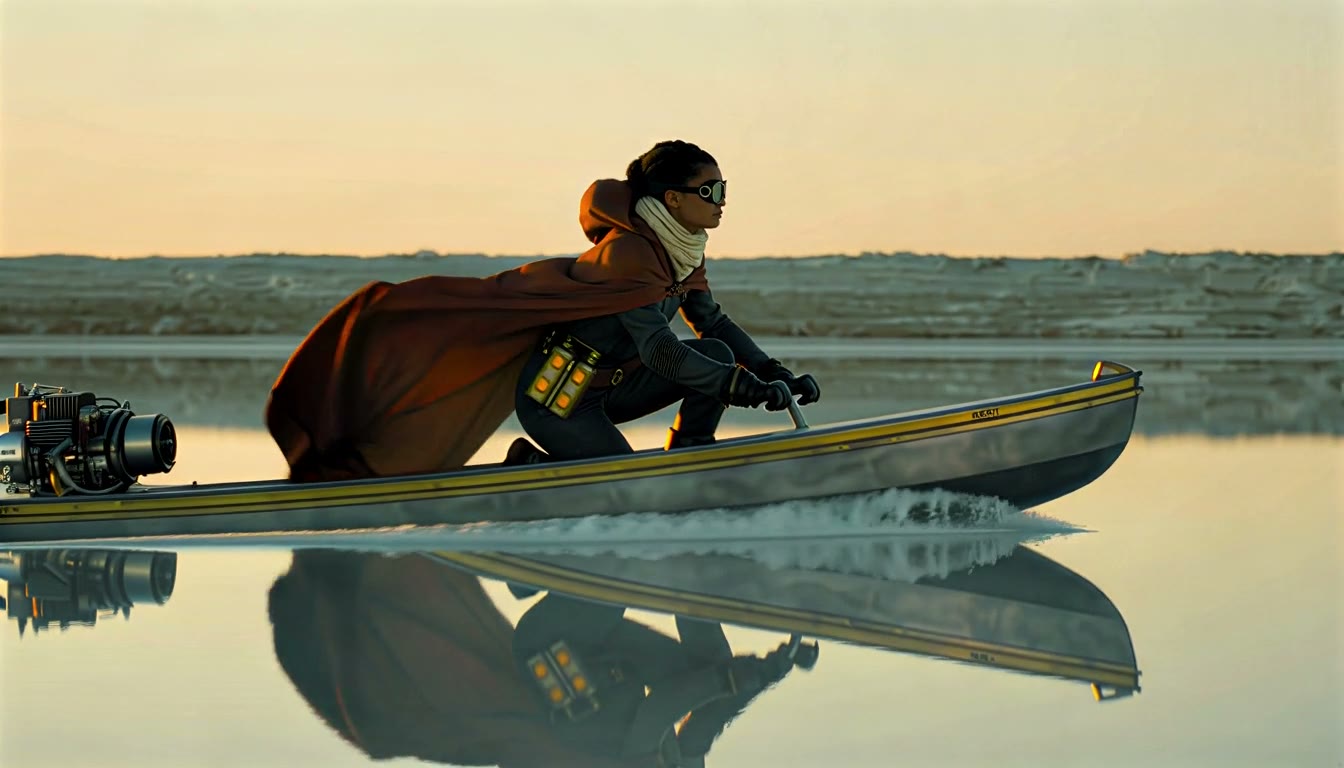
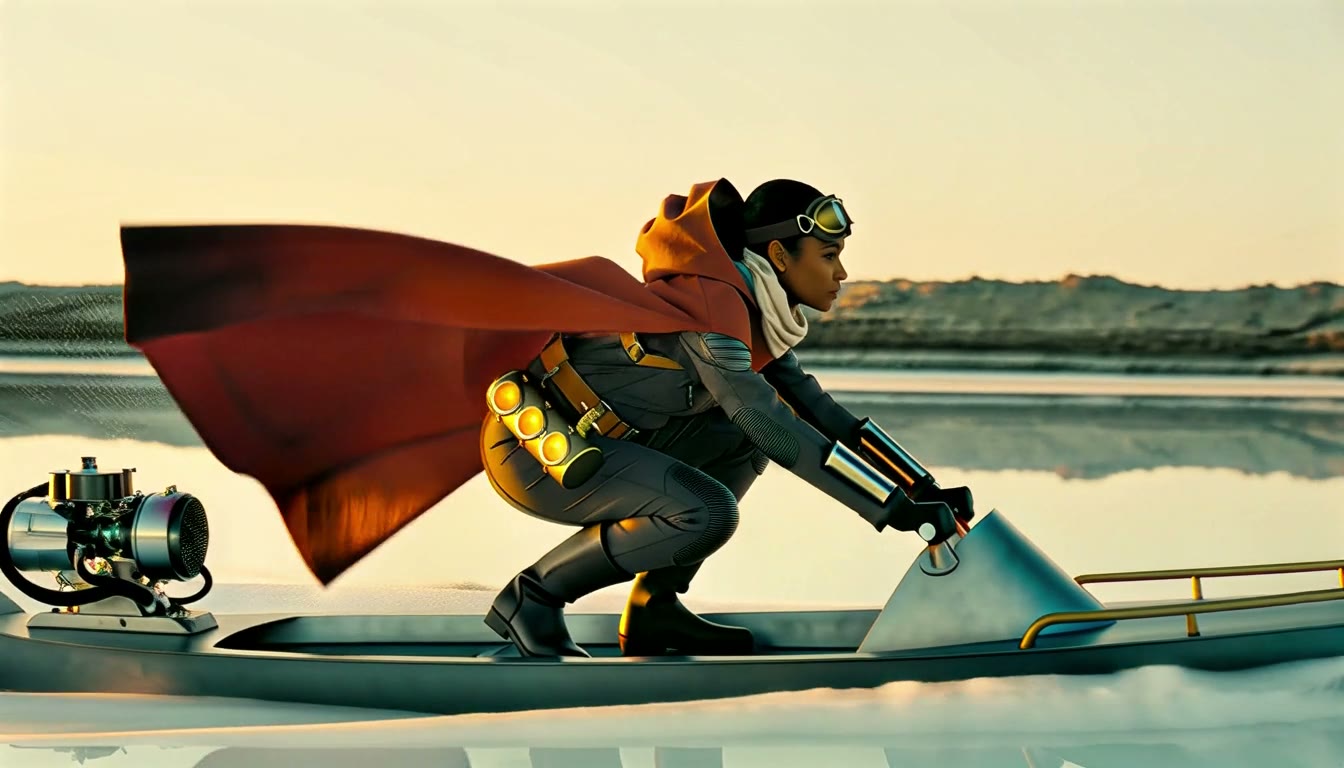
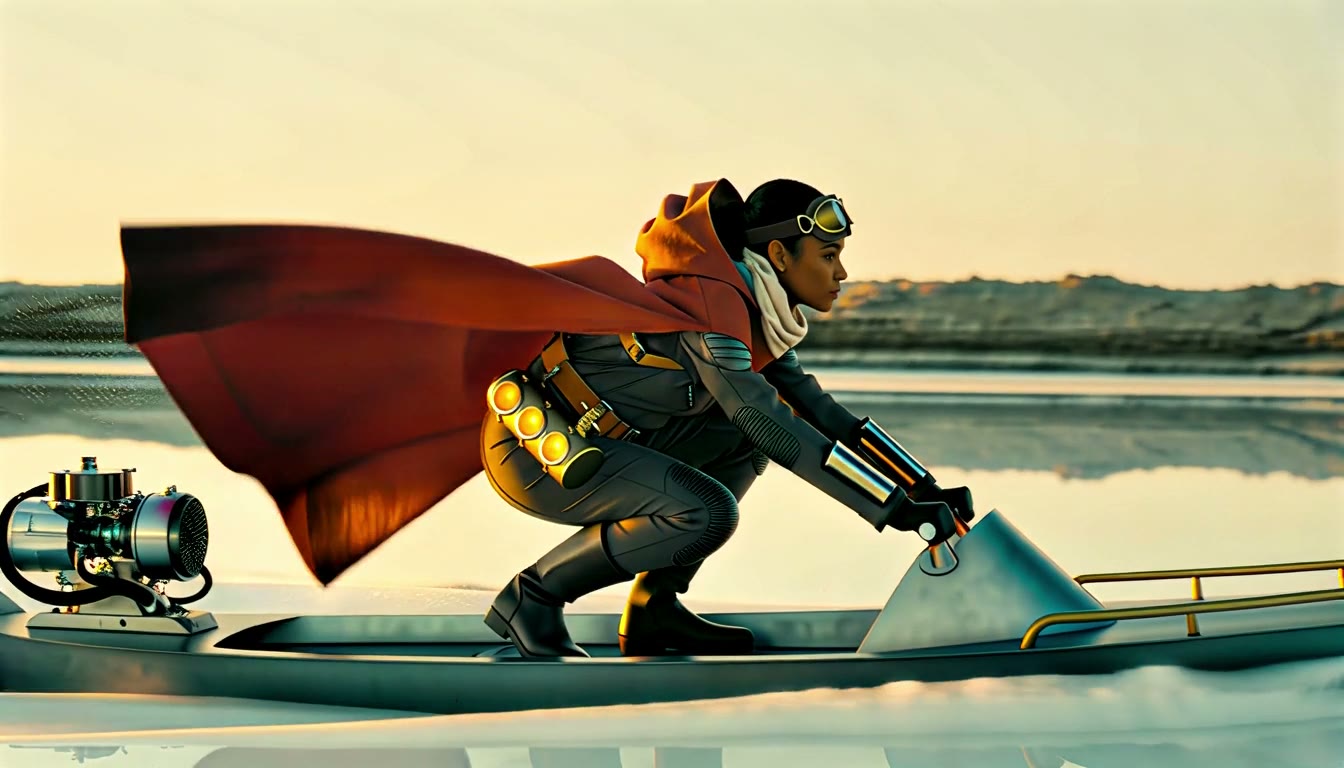
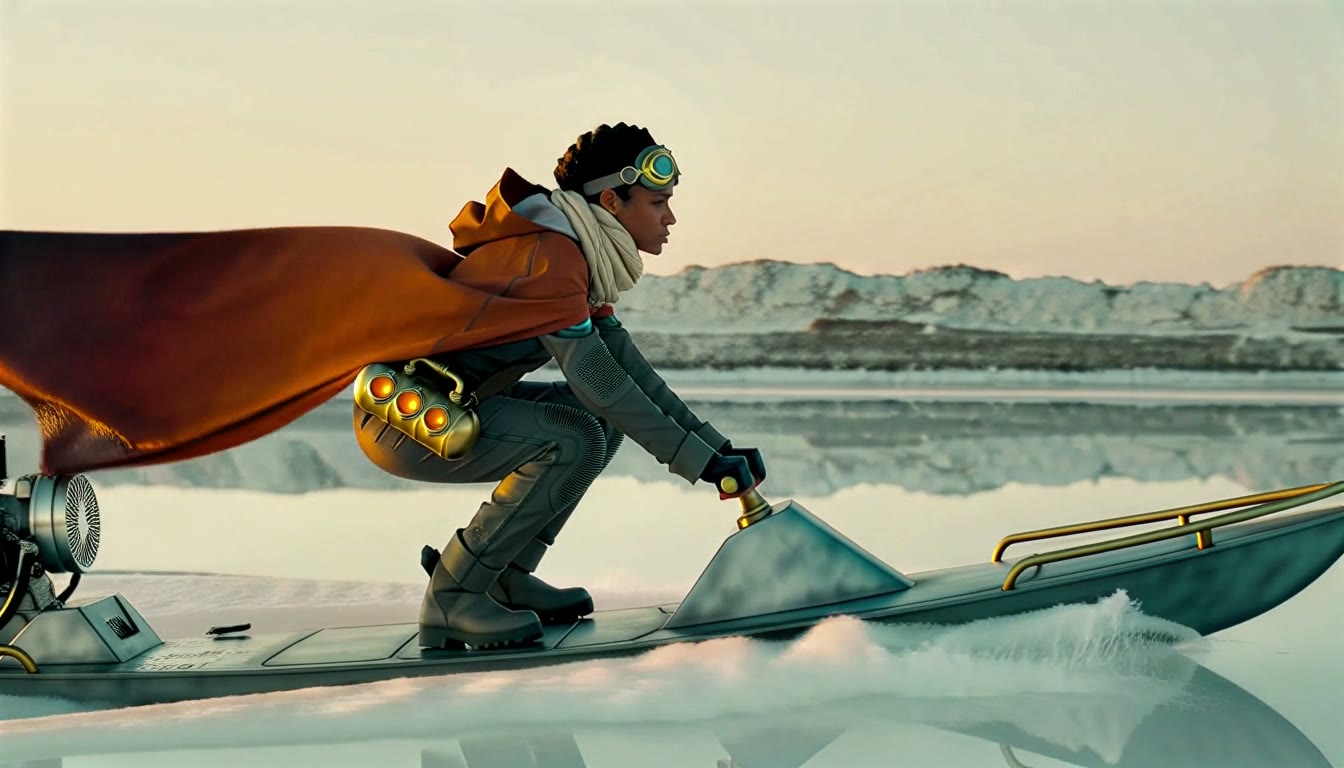
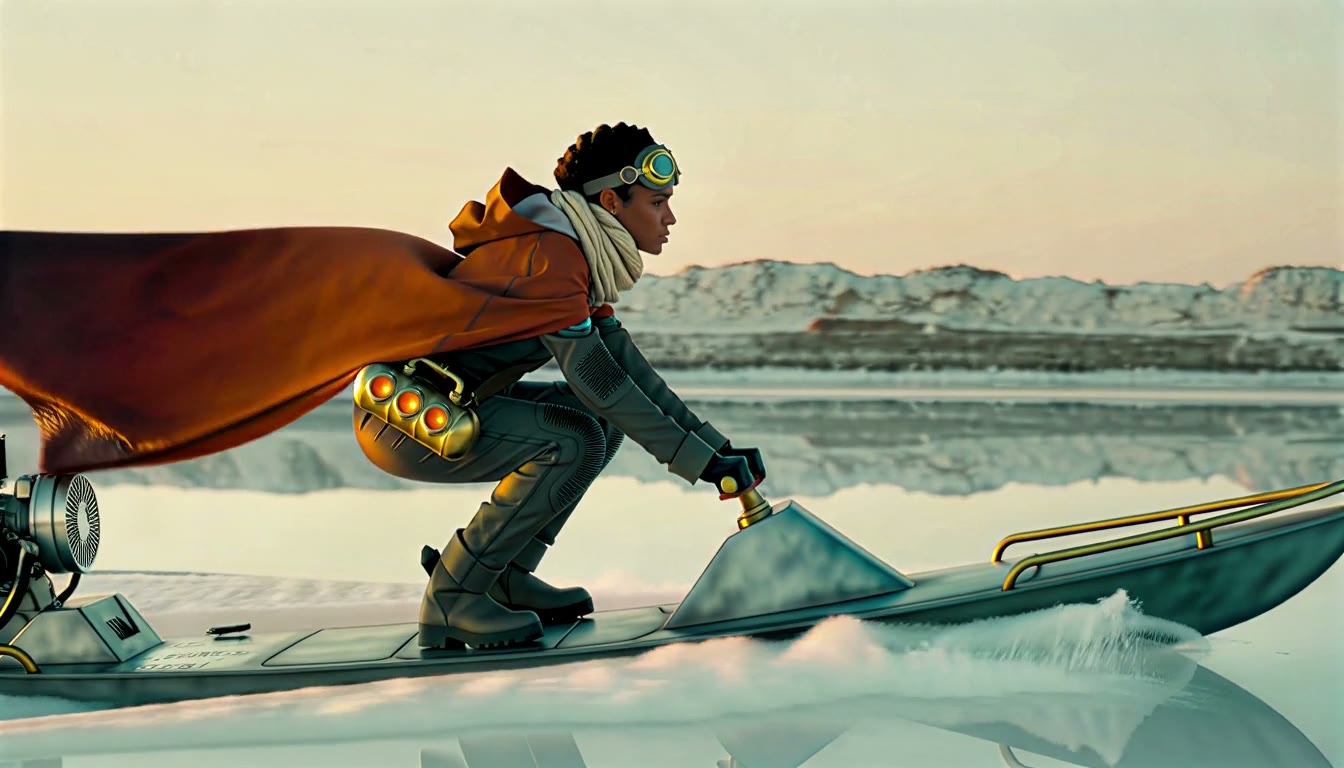
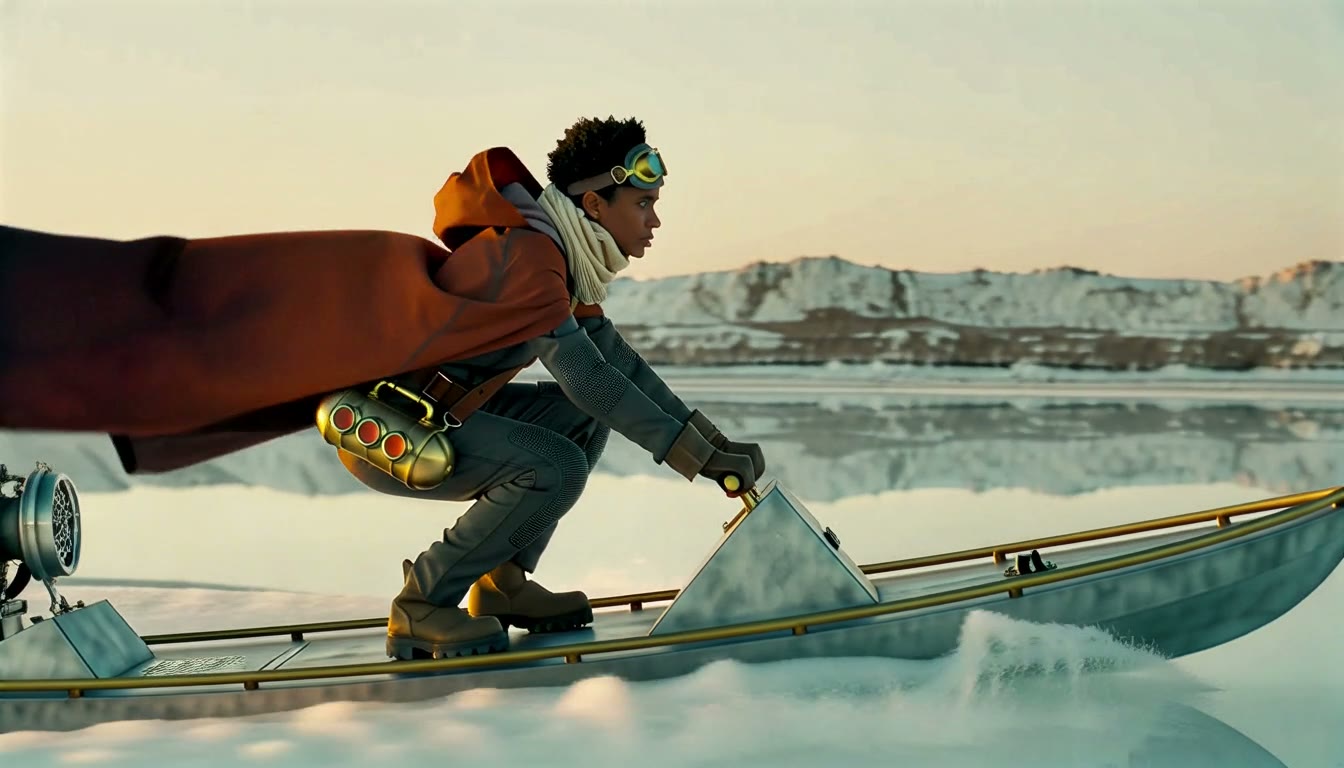
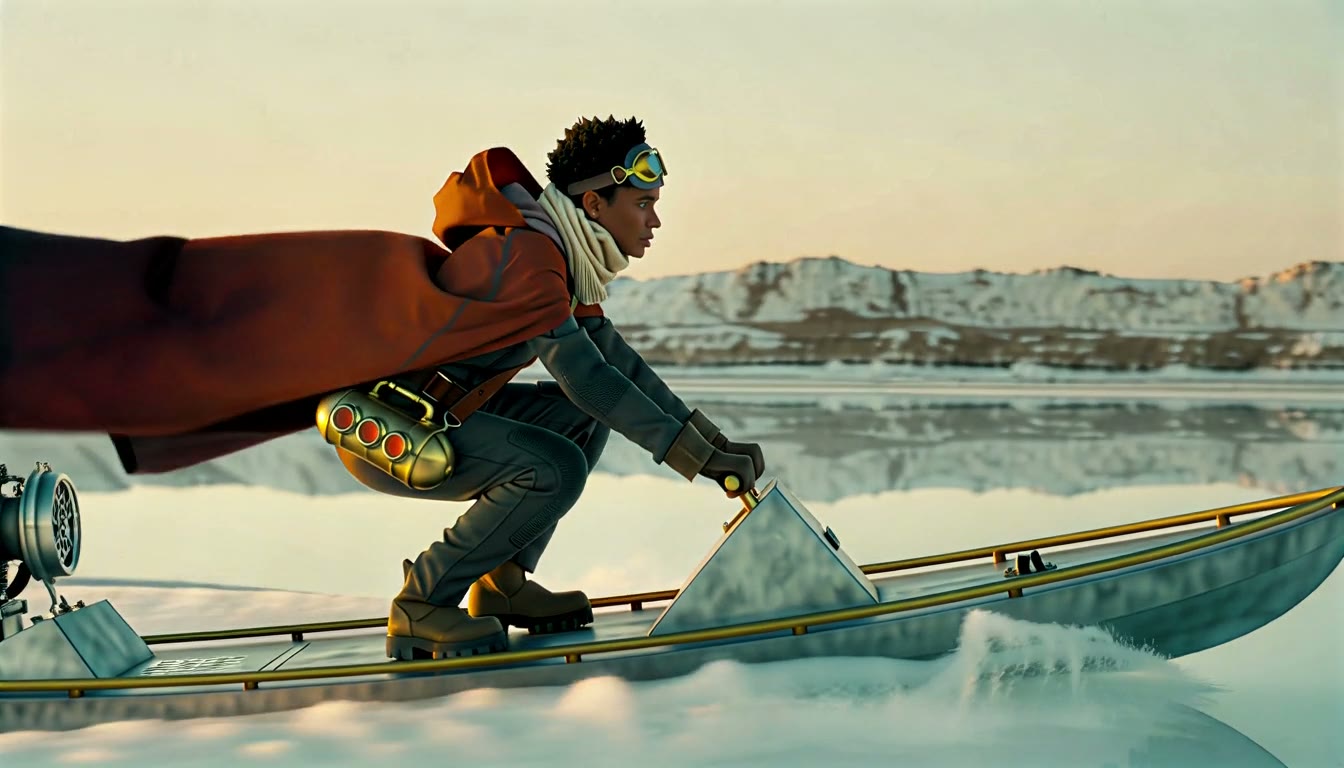
Scene 1 as clips, side by side: the preview, the native final and the two upscales
For each preview that was upscaled, four clips of scene 1: the preview as drawn and the native final above, the 7B and the 3B upscale below. The first block is the 4-step preview at 768 by 448. Each caption gives the size and how long that clip took to draw or to upscale.
p768-t4
p768-t8
p768-t20
p960-t4
p960-t6
p960-t8
p960-t20
What the admin chose
We asked him which low-resolution setting the studio should use for the first look, and offered four, with their cost for the four scenes of the film: 960×544, 8 steps (16:28, 7.7 times faster than the final); 768×448, 8 steps (8:38, 14.7 times faster than the final); 768×448, 4 steps (4:51, 26.1 times faster than the final); 960×544, 20 steps (38:28, 3.3 times faster than the final). We said that our recommendation rested on cost and on what he had told us, and that which one looks good enough was his call.
He picked, from those options:
960×544, 8 steps
the admin, his choice of preview setting
That is p960-t8: 16:28 for the four scenes, 7.7 times faster than the final’s 126:26. It is the 8-step turbo LoRA he picked on 16 November, at the 960 by 544 size.
We then asked what the studio should do when a person chooses HD after the preview. We said that an upscale of scene 1 took about 179 to 204 seconds against 1,841 seconds to draw the final, and that nobody had judged how the upscale looks beside the final. He picked:
Draw the HD final
the admin, his choice for the HD step
So the studio draws the HD final when a person chooses HD. The upscale route is measured and shown here, and it is not the one he chose.
What this does not say
- Our times are the generation seconds ComfyUI reported for each run. They are not the time a film waits in a queue, and the walls were a few seconds longer.
- We upscaled scene 1 only, with one seed. Whether an upscaled preview is as good as the final is a question for a person looking at the two, and we ask it of the admin and do not answer it here.
- We have measured no quality by a program, only seconds and memory. A faster setting is faster; whether it is worth watching is the admin’s call.
- One film, one seed and one card. A different script or card may give different times.
Quick Search Our Blogs
Type in keywords and get instant access to related blog posts.